

Short answer
Please stop and do not open the drive or swap parts yourself. A drive that will not power on is often a PCB fault, which we test with a multimeter for short circuits or blown diodes, then either repair the electronics or swap the PCB and transfer the ROM chip before backing up your data. If the drive has been opened, we clean it in our Class 100 cleanroom first. Bring it in for a free assessment and quote.
I understand why you believe that platters are not like CDs or DVDs, which can be inserted into readers. Placing a platter into another drive typically will not resolve the issue; in fact, it will likely exacerbate the problem. The more one tampers with or alters hard drives, the more fragile and sensitive they become.
We have observed instances where simply opening and then closing the lid of a hard drive renders it inoperable. Extreme caution is therefore advised.
If, as you mentioned, the hard drive is not powering on and you suspect a Printed Circuit Board (PCB) problem, I would advise against further manipulation. Instead, bring it to us for a complimentary assessment. We will test the PCB using a multimeter to detect any short circuits or blown diodes.
If such a problem is identified, we can generally rectify the electronics promptly and then back up the data using all original internal drive components. If the PCB exhibits significant damage, such as a burn mark through the controller, we will replace the PCB. We maintain an inventory of over 30,000 donor parts at our office in New South Wales. We will then swap the PCB, transfer the Read-Only Memory (ROM) chip, and back up the data. This process is generally successful, and there is no discernible reason why we cannot recover the data.
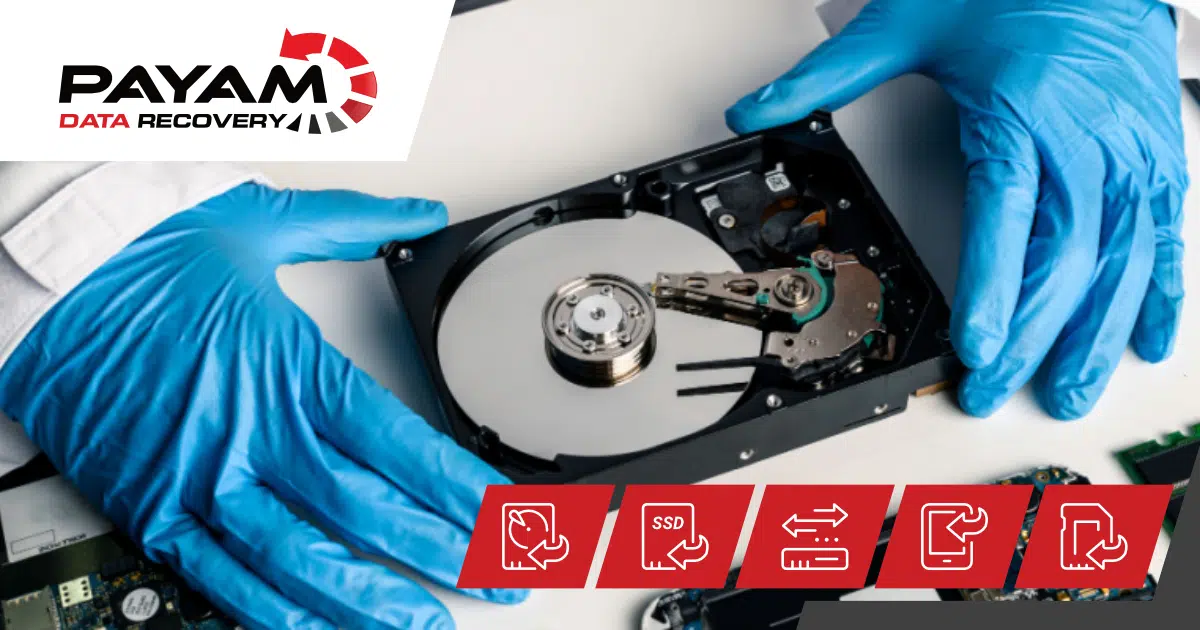
If the drive has been opened, contaminants, dust, and invisible particles typically contaminate the drive. Should you attempt to power up the drive and spin it with a new PCB, there is a possibility that these contaminants could become lodged under the read/write heads, potentially damaging the heads or scratching the platter. While this is a relatively low probability, it remains a distinct risk.
Therefore, in your specific case, we would place the drive in our Class 100 cleanroom environment laminar flow cabinets, clean the drive, inspect the dust filter, examine the platters under a specialized green inspection light, and thoroughly clean the platters. Following this, we would spin up the drive and back up the data.
Attempting further actions will fundamentally worsen the situation. My intention is not to disparage you, but rather to strongly advise against any additional intervention. Should the issue become more complex, additional charges for our time will apply. Based on the information you have provided, the data should be recoverable, so please refrain from any further actions and bring the drive in for a complimentary quotation.
Related help
- More about hard drive data recovery.
- Read a real job: hard drive data recovery case study.
- And another: WD My Passport stuck heads case study.
- See more data recovery success stories.
- Ready to start? Get a free assessment and quote.
International customers are always welcome. Post your device to us from anywhere.