

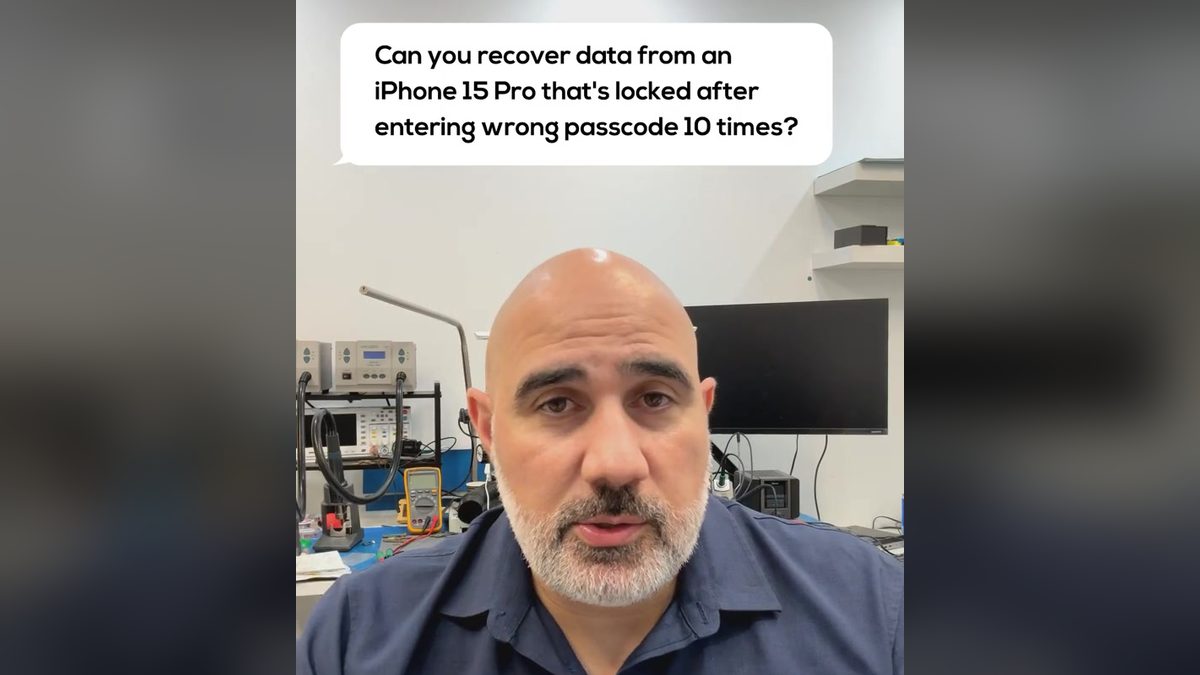
The answer from Payam Toloo, Owner of Payam Data Recovery:
Can You Recover Data from an “iPhone Unavailable” Device?
I wish I had better news for you, but unfortunately, this isn’t something we can fix. When your iPhone shows “unavailable,” Apple’s security kicks in hard, and I mean really hard.
The Reality of the Situation
Right now, nobody can break through this security feature. We’ve tried, other repair shops have tried, and even law enforcement with their fancy Cellebrite tools can’t crack it. Apple built this protection specifically to keep your data safe, which is great for security but terrible when you’re locked out of your own phone.
If you want to dive deeper into the technical side of why this is impossible, there’s a really good article by Payam Data Recovery. It is called “iPhone Unavailable? What It Means and What to Do” and you will find it on this website.
Two Things Worth Checking
Before you give up completely, let’s try a couple of things:
Check your iCloud backup: Head over to iCloud.com and sign in with your Apple ID. You might have an automatic backup running that you forgot about. It happens more often than you’d think!
Look for computer backups: Did you ever plug your phone into a computer to update iOS? Sometimes iTunes or Finder creates a backup during those updates. It’s a long shot since most people don’t do manual backups anymore, but worth checking if you remember ever connecting it.
The Bottom Line
I really hate being the bearer of bad news, but these are your only options right now. There’s no secret technique or special tool that can get around Apple’s security. And honestly? There probably never will be. Apple keeps making these protections stronger with every update.
I know this is incredibly frustrating, especially if you have important photos or messages on there. We deal with situations like this regularly, and it never gets easier to deliver this news.
More questions people ask
- I’m locked out of my iPhone 13, can you recover my data?
- Can you get photos off iPhone 11 without the PIN?
- Can you recover data from my phone that is in recovery mode?
What’s next?
- Read more about why data cannot be recovered from a disabled iPhone
- Learn more about our iPhone data recovery services here.
- Read More of our FAQ’s
- Check out our Case Studies / Examples of our work.
- Get a free quote by completing this form
Or, if you are ready to get started, submit a job now.
International customers are always welcome. From overseas, the easiest way to reach us is by email at help@payam.com.au.


