

Case Study Summary
- Customer: Michael, Northern Territory
- Device: QNAP NAS, four WD Green 2TB hard drives, RAID 5
- Fault: Two drives failed: one with bad sectors, one not detected (head crash)
- Challenge: UFS Explorer and File Scavenger both failed to reconstruct the array; RAID metadata altered
- Solution: Manual disc order and block size testing by Payam after all software approaches failed
- Outcome: Full recovery; all business data saved to a 10TB external drive and returned to Michael
- Service: RAID and NAS Data Recovery
When the software gives up, what happens next? This QNAP NAS RAID 5 data recovery case study answers that question. Michael, a business owner in the Northern Territory, sent in four WD Green 2TB hard drives from his QNAP NAS after the unit began crashing and his business data became inaccessible. Two of the four drives had failed. Industry-standard recovery tools were tried and defeated. What ultimately saved the data was one thing: the experience and patience to test every possible configuration by hand.
The Problem: A Crashing QNAP NAS with Two Failed Drives
Michael’s QNAP NAS had been giving him trouble for some time. The unit kept crashing. Occasionally he could see his folders, but copying any files was impossible. Inside that array was critical business data covering properties and administration. With the NAS effectively down, that data was completely out of reach.
He sent the four WD Green 2TB drives to Payam Data Recovery’s Sydney laboratory for assessment. What the team found when they tested the drives told a clear story: two of the four drives had serious problems, and one of them had a fault that would require work in a controlled environment before any recovery could even begin.
Drive Diagnosis: What the Atola Insight Forensic Revealed
All four drives were tested on the Atola Insight Forensic, a professional forensic imaging platform used for hard drive assessment and cloning. The results were as follows: two drives were healthy and reading normally; one drive had bad sectors, meaning portions of the magnetic surface could not be read reliably; and the fourth drive was not detected by the system at all.
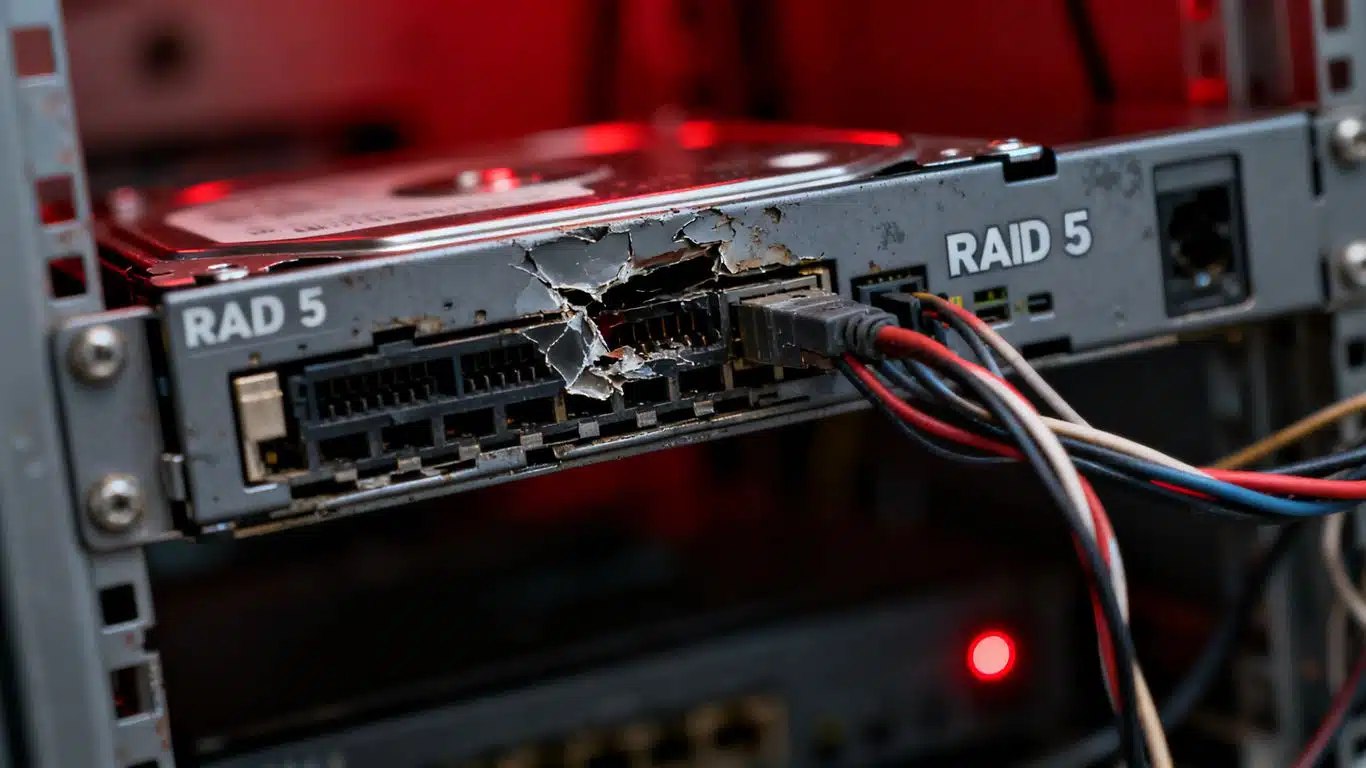
An undetected drive in a RAID array almost always signals a serious mechanical fault. Our data recovery engineer opened the drive inside the laboratory’s laminar flow cabinet, a controlled enclosure that prevents airborne particles from contaminating exposed drive internals. Inside, he found crash dust, the debris left behind when a read/write head makes contact with the surface of a spinning platter. This was a confirmed head crash.
RAID 5 requires a minimum of three drives to function. With the head crash drive set aside, the team had three drives to work with: two healthy and one with bad sectors. Cloning all three was the necessary first step before any reconstruction could be attempted.
The Cloning Process: Four Days to Secure the Data
The two healthy drives were cloned using the Atola Insight Forensic. With no bad sectors to work around, both completed in approximately 10 hours. The drive with bad sectors was a different matter. Imaging a drive with read errors requires the system to slow down, retry damaged areas, and carefully navigate around unreadable sectors without skipping data that might still be retrievable. That drive took four days to clone completely.
With all three usable drives safely cloned, the team could now attempt to reconstruct the RAID 5 array from the images, without any further risk to the original drives.
When the Software Failed: UFS Explorer and File Scavenger Both Defeated
This is where the case became difficult, and where it stands apart from most RAID data recovery jobs.
UFS Explorer, one of the most capable RAID reconstruction tools available, was tried first. It detected the RAID array. But the file system was damaged, and UFS Explorer could not get past it to access the files. File Scavenger was tried next. It got stuck at 3% after an hour and made no further progress.
Both tools had failed. The reason, Payam suspected, was that the RAID metadata had been altered at some point, possibly after a previous crash or an improper shutdown of the NAS. When the metadata no longer accurately describes the array configuration, software tools that rely on that metadata to reconstruct the array will consistently fail. They are looking for a configuration that no longer matches what is actually on the drives.
The Manual Approach: Testing Every Combination by Hand
With automated tools exhausted, Payam moved to a fully manual approach. RAID 5 arrays have several variable parameters: the order in which the drives are arranged, the block size used when data is striped across the drives, and the parity rotation scheme. When metadata cannot be trusted, the only way to find the correct configuration is to test the possible combinations systematically until the file system becomes readable.
Payam tested every possible disc order and block size combination manually. After several hours of methodical work, he found the correct configuration. The file system became readable. All of Michael’s files appeared.
The recovered data was saved to a new 10TB external hard drive and prepared for shipping back to Michael, at no extra charge.
QNAP NAS RAID 5 Recovery Results
A full recovery was achieved. All critical business data, including property and administration files, was recovered and returned to Michael in the Northern Territory. The recovery succeeded despite two failed drives, a confirmed head crash, corrupted RAID metadata, and the failure of two specialist software tools. The outcome came down entirely to manual expertise and the willingness to work through every possible configuration until the right one was found.
Why Professional NAS and RAID Data Recovery Matters
This case illustrates something important about RAID recovery: having the right software is not enough. UFS Explorer and File Scavenger are among the best tools available, and both failed here. What made the difference was understanding why they failed, forming a hypothesis about altered metadata, and having the knowledge and patience to test configurations manually.
Attempting RAID reconstruction without this level of expertise risks making the situation significantly worse. Rebuilding an array through the NAS interface, replacing drives and allowing the controller to rebuild, or running consumer recovery software on a degraded array can all overwrite or corrupt data that might otherwise be recoverable.
For businesses in remote areas of Australia, including the Northern Territory, Queensland, and Western Australia, Payam Data Recovery accepts devices sent by post and return delivery is free after a paid recovery. All work is performed at the Sydney laboratory. RAID and NAS data recovery is available for all brands and configurations. International customers are welcome.
For background on how RAID 5 works and why two-drive failures create reconstruction challenges, the RAID 5 standard is a useful reference.
Why People Choose Payam Data Recovery
When a RAID, NAS or server fails, the array has to be rebuilt correctly the first time, without putting the original drives at further risk. That is the work we do every day.
- We are a specialist data recovery lab, not an IT support company. We have been recovering data since 1998, from over 300,000 devices.
- Over 2,000 IT companies and computer shops across Australia send us their customers’ complex cases, and data recovery labs and IT companies in more than 50 countries have sent us their difficult cases over the past ten years.
- Every drive is tested and cloned first on professional tools such as Atola Insight Forensic, the PC-3000 and the DeepSpar Disk Imager, and the RAID is rebuilt from the clones. A drive that needs a head swap is opened in our ISO 5 certified laminar flow cabinet, with over 30,000 donor parts in-house, including around 20,000 donor hard drives.
- Emergency service for businesses. Many of our business and IT customers choose it, because every day a server is offline usually costs more than the difference in price. 24/7 emergency service is available as a premium option on 0404 872 926.
- Your data stays private. Our data recovery engineers open only a few random, non-sensitive files to check the recovery worked, and we will sign your NDA on request.
- See your files before you pay. You tell us which files matter most. Before you pay for the recovery, we’ll send you a list of your recovered files so you can check them. If any of the files you listed are missing, tell us and we’ll search again.
- There is no card surcharge. Pay by Visa, Mastercard, American Express, Afterpay, Zip or bank deposit (EFT).
- Rated 4.9 from over 2,400 Google reviews.
We are not the cheapest. We are the best in Australia at this work. We know what to do, how to do it, and we will do our very best for you. Your best chance of getting your data back is with us.
RAID and NAS Data Recovery Pricing
Payam Data Recovery offers a free assessment and quote for all RAID and NAS recovery jobs before any work begins. Pricing depends on the number of drives involved, the fault type, and the complexity of the reconstruction required. Priority and Emergency services are available for faster turnaround at higher price points, and current prices are on our RAID and NAS data recovery page. All prices are in Australian dollars and include GST. If we recover your data and you pay, return delivery is free, including to New Zealand.
There is no obligation following the free assessment. Payam Data Recovery regularly assists international customers and welcomes enquiries from businesses and individuals outside Australia. The easiest way for an international customer to reach us is by email at help@payam.com.au, which works in every time zone.
Frequently Asked Questions: QNAP NAS RAID 5 Data Recovery
Can data be recovered from a QNAP NAS with two failed drives?
Yes, as this case study demonstrates. RAID 5 requires a minimum of three drives to function. When two drives fail, recovery becomes significantly more complex, but it is possible with the right equipment and expertise. In this case, all business data was successfully recovered despite two drive failures and corrupted RAID metadata.
What is a head crash and can data still be recovered?
A head crash occurs when the read/write head of a hard drive physically contacts the spinning platter surface, causing damage and depositing crash dust inside the drive. In a RAID array, a head crash drive is typically treated as a failed drive. If the array has enough remaining drives to reconstruct the data, recovery is possible without needing to recover from the crashed drive directly.
Why did UFS Explorer and File Scavenger fail to recover the RAID array?
Both tools rely on RAID metadata to identify the array configuration. In this case, the metadata had been altered, likely after a previous crash or improper NAS shutdown. When metadata does not match the actual drive configuration, automated tools cannot reconstruct the array correctly and will fail or stall. Manual parameter testing was required to find the correct configuration.
What is manual RAID reconstruction?
Manual RAID reconstruction involves testing every possible combination of drive order, block size, and parity scheme without relying on stored metadata. It is time-consuming and requires deep technical knowledge of how RAID arrays store and stripe data, but it is the only reliable approach when metadata has been corrupted or altered.
Should I try to rebuild my RAID array through the NAS interface before sending it for recovery?
No. Initiating a rebuild through the NAS interface when drives have failed can overwrite parity data and make professional recovery significantly harder or impossible. The safest step is to power down the NAS immediately and send the drives for professional assessment before attempting any rebuild.
How much does QNAP NAS data recovery cost in Australia?
The price depends on the complexity of the case. We offer a free assessment and a free written quote. The quote explains the cost, the attempt fee, your chances of success and the time involved, for your approval before we start. RAID 5 recovery carries a non-refundable attempt fee, which is part of the total quoted price, not an extra on top. You pay it to begin, and the balance only if we recover your data. Priority and Emergency services are available for faster turnaround at higher price points. All prices are in Australian dollars and include GST. If we recover your data and you pay, return delivery is free, including to New Zealand.
How long does NAS RAID 5 data recovery take?
Timelines vary depending on fault complexity. In this case, cloning the drives alone took over four days due to bad sectors on one drive. Economy service typically takes 2 to 4 weeks for complex RAID cases. Priority service is approximately 1 to 2 weeks, and Emergency service approximately 1 to 2 days.
Can Payam Data Recovery help businesses in regional and remote Australia?
Yes. Payam Data Recovery accepts devices sent by post from anywhere in Australia, including regional and remote areas such as the Northern Territory. If we recover your data and you pay, return delivery is free, including to New Zealand. All recovery work is performed at the Sydney laboratory. International customers are also welcome.
What RAID and NAS brands does Payam Data Recovery support?
Payam Data Recovery handles all major NAS brands including QNAP, Synology, WD My Cloud, Seagate, Netgear, and others. All RAID levels are supported including RAID 0, RAID 1, RAID 5, RAID 6, and RAID 10.
About Payam Data Recovery
Payam Data Recovery was founded in 1998 and has completed over 300,000 devices recovered across Australia and internationally. The company operates full-service laboratories in Sydney CBD, Rhodes NSW (head office and main specialised lab), Melbourne CBD, and Brisbane CBD. Secure drop-off offices are available in Adelaide and Perth, which send your device to the Rhodes, NSW laboratory and back to you at no cost, even if you decline the quote.
All work is performed in Australia. Payam never outsources overseas. For hard drive and RAID cases, the team uses the Atola Insight Forensic and Ace Lab PC-3000, an ISO 5 certified laminar flow cabinet for controlled drive opening, and over 30,000 donor parts, including around 20,000 donor hard drives, held in house. For businesses in remote areas of Australia, postage-in recovery is available nationwide. International customers are welcome to send their devices for assessment.
For complex RAID and NAS data recovery jobs where automated tools have failed, Payam’s team has the manual expertise to keep working when software cannot.
Request a Free NAS and RAID Data Recovery Assessment
If your NAS or RAID array has failed, do not attempt a rebuild through the NAS interface. Power it down and contact Payam Data Recovery first. We start with a free assessment and provide a firm quote before any work begins. No obligation.
Pricing: Depends on the complexity of the case, with Priority and Emergency services available for faster turnaround. All prices are in Australian dollars and include GST with free return postage included.
We support all NAS brands including QNAP, Synology, WD My Cloud, Seagate, and Netgear, and all RAID levels. Businesses in regional and remote Australia can send drives by post. International customers welcome.
Everything is done here in Australia. We never outsource overseas. If anyone can recover your data, it’s us.
Ready to send your drives? Submit a job online
Phone: 1300 444 800 | Email: help@payam.com.au
Related Case Studies
- 16-Drive RAID Recovery Case Study: 10TB Recovered from a Mining Company Server
- WD My Cloud EX4100 NAS RAID 5 Data Recovery Case Study
- Synology NAS RAID 5 Data Recovery Case Study
Video Transcript
Hi, it’s Mike here at Payam Data Recovery in Rhodes, New South Wales, watching the boss Payam work on a complex RAID recovery case. This is a QNAP NAS RAID 5 data recovery case study showing how Payam Data Recovery in Sydney, Australia, recovered data from a failed four-drive array with two faulty drives.
Michael from the Northern Territory sent in four WD Green 2TB hard drives from his business NAS. The unit kept crashing. He could sometimes see folders but couldn’t copy any files. Critical business data for properties and admin was stuck inside.
Payam tested all four drives on his Atola Insight Forensic. Two were healthy. One had bad sectors. The last one wasn’t detected at all. Dmitri opened that drive in their laminar flow cabinet and found crash dust inside. A head crash.
Since RAID 5 only needs three of four drives, Payam cloned the three working ones. The healthy drives took 10 hours. The one with bad sectors took 4 days.
With the clones ready, Payam tried UFS Explorer. It detected the RAID. The file system was damaged. He tried File Scavenger. It got stuck at 3% after an hour. Nothing was working.
Payam suspected the RAID metadata had been changed at some point, confusing the software. So, he tested every possible disc order and block size combination manually. After several hours, he found the right combination. All the files appeared and were saved to a 10TB external hard drive, ready to ship back to Michael at no extra charge.
When automated tools fail, experience and trial and error get the job done. That’s what sets Payam Data Recovery apart.