

Short answer
Often yes. Stop using the drive and keep it unplugged. Beeping usually means stiction, where the heads have stuck to the platter, or less often a seized spindle motor in an older drive. We replace the heads in a dust-free environment, clean the platters if needed and temporarily restore the drive to copy your files to a new USB drive. Free assessment and quote first.
We understand your current predicament.
It is imperative that you refrain from using the drive. Please keep it unplugged, unpowered, and do not subject it to any physical disturbances.
We offer a complimentary diagnostic assessment of the device.
The beeping sound typically indicates a condition known as stiction, where the read/write heads have made contact with and adhered to the platter, preventing its rotation and resulting in a faint beeping noise.
A less common issue, primarily observed in older drives, is a problem with the spindle motor, where the internal motor has seized due to material fusion, inhibiting drive rotation.
Regardless of the cause, we will provide a free evaluation and a subsequent quote.
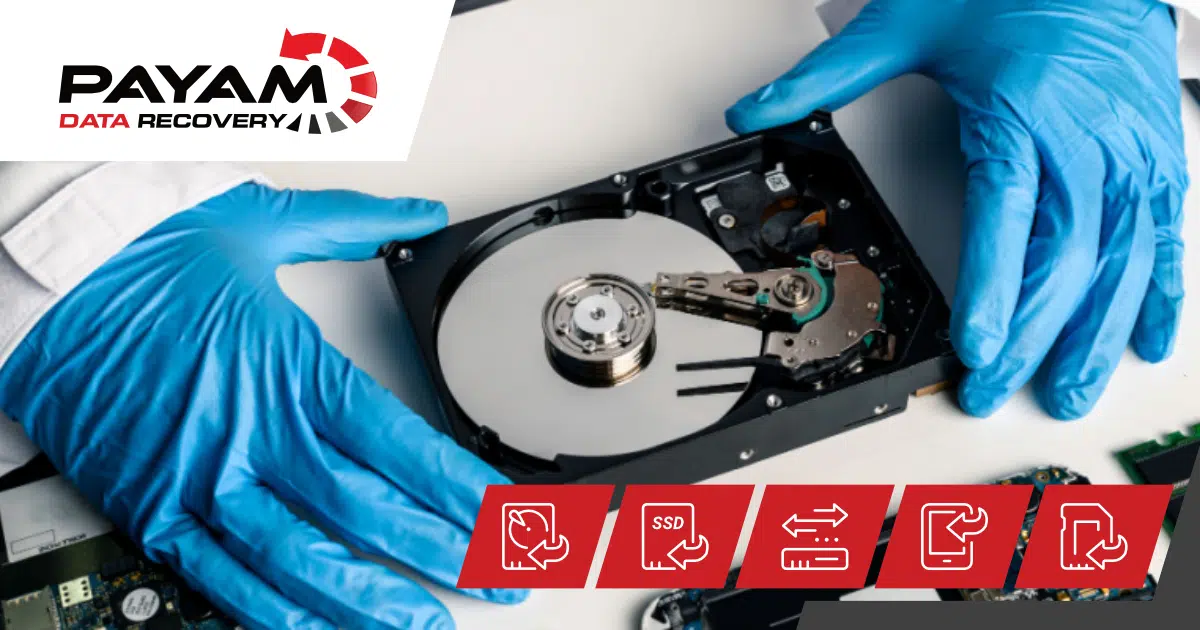
If the issue is with the heads, we will carefully remove them in a dust-free environment, replace them, and clean the platters if any imperfections are present. We will then attempt to temporarily restore the drive’s functionality to copy all files to a new USB drive. Provided no further damage is incurred, there is a strong probability of a successful data recovery.
Related help
- More about hard drive data recovery.
- Read a real job: Seagate clicking drive case study.
- And another: Mac hard drive recovery guide.
- See more data recovery success stories.
- Ready to start? Get a free assessment and quote.
International customers are always welcome. Post your device to us from anywhere.