

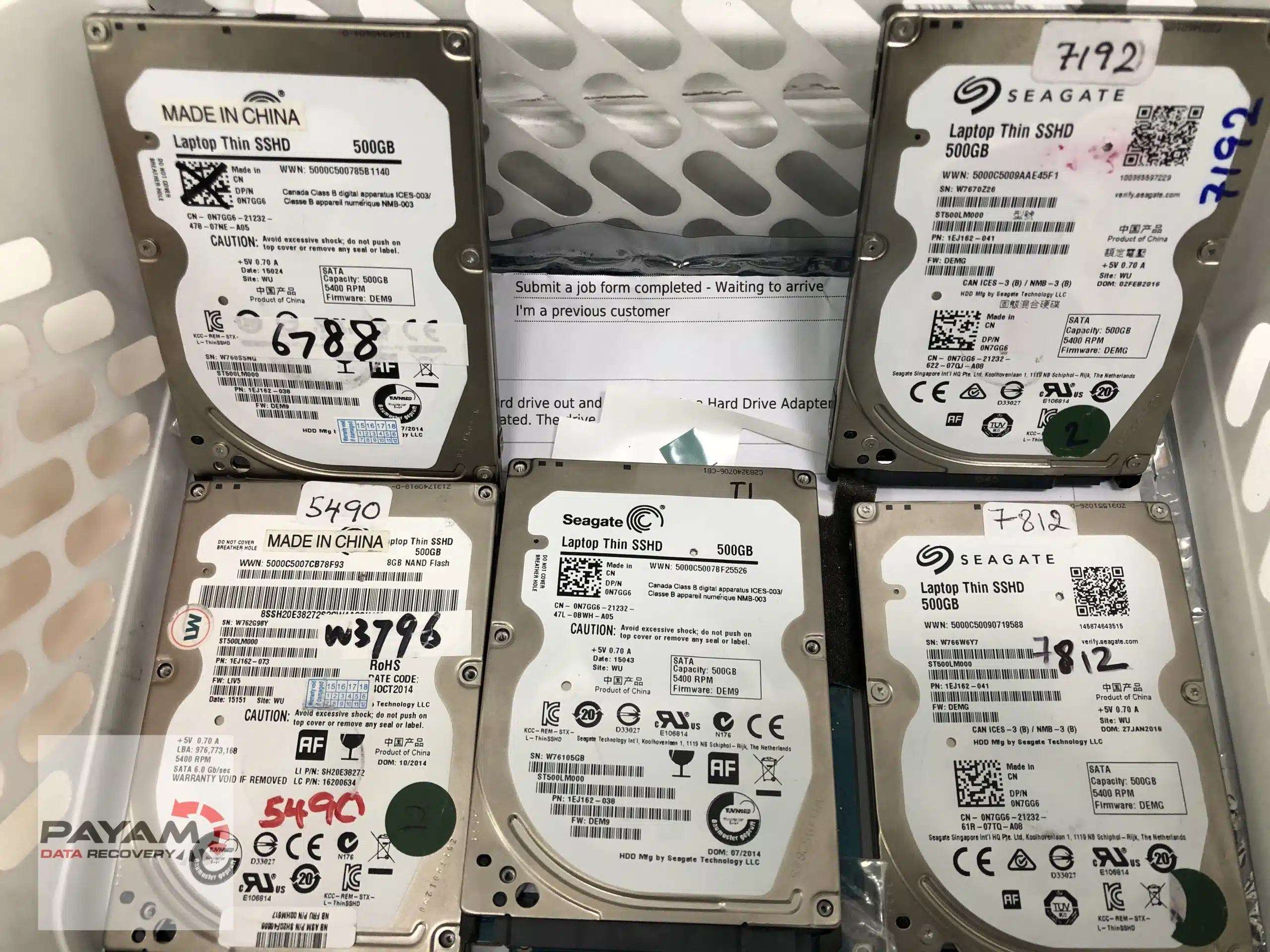
This real Seagate hard drive recovery case study shows how our engineers at Payam Data Recovery fixed a 2.5″ Seagate HDD that wouldn’t power on due to PCB failure. Watch the full video to see our laminar flow cabinet and data recovery workflow in action.
Case study summary
Device: Portable Seagate 2.5 inch SATA hard drive
Problem: The drive had stopped working. Connected to a power supply it did nothing at all. No spinning, no signs of life
Findings: Two fried components on the circuit board, visible to the eye. One of them was responsible for delivering power to the drive
Solution: A like for like donor circuit board, with the essential components transferred across from the original board by hand
Outcome: The drive spun up and copying began straight away. The power surge that destroyed the board had spared the read heads inside, so all the data was reachable
Service: Hard drive data recovery
Seagate hard drive recovery: how we fixed a PCB failure
Our engineers diagnosed a non-spinning Seagate 2.5″ SATA drive. Two burned PCB components were stopping power delivery. This case study details the process from diagnosis to full data recovery without damaging heads or platters.
PCB Swap and ROM Chip Transfer
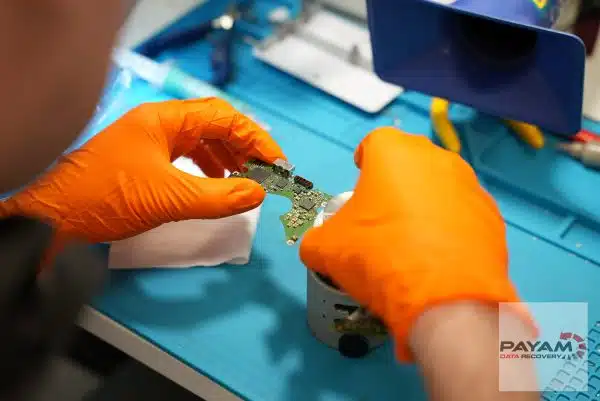
We sourced a matching donor PCB, removed the ROM chip from the original board, and soldered it onto the replacement. Once fitted, the drive powered up normally and allowed a full clone using professional tools.
Need a compatible PCB? Visit Donor Drive Parts Australia.
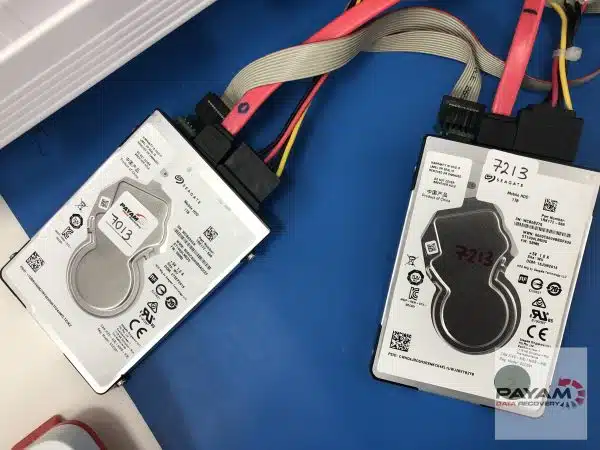
Seagate 2.5″ Models We Recover
- BarraCuda and BarraCuda Pro (2.5″ SATA)
- FireCuda SSHD hybrid drives
- Momentus 5400/7200 series
- Rosewood micro-PCB models
- Laptop Thin and Mobile HDD models
Frequently asked questions
My hard drive is completely silent and will not spin. Is the data gone?
Often not. A silent drive usually means power is not reaching it, and that is frequently a failed component on the circuit board rather than anything wrong with the data itself. This drive showed no signs of life at all and everything was recovered.
How do you know it is the circuit board and not the drive?
The board comes off and gets inspected. On this one the damage was visible straight away: two burned components, one of them the part that delivers power to the drive, which explains why nothing happened when it was plugged in.
Can you not just swap the circuit board from an identical drive?
Not on its own. A donor board is only the starting point. Essential components have to be transferred by hand from the original board to the donor, because they carry information unique to your drive. It is careful soldering work, not a parts swap.
Does a power surge damage the heads inside as well?
Sometimes, and that is the part you cannot tell until the drive spins. Here the surge killed the circuit board but left the read heads untouched, which is why the recovery was complete rather than partial.
How quickly do you know whether it has worked?
Immediately. Once the donor board was fitted the drive came to life, started spinning and data began copying straight away.
What does hard drive recovery cost, and when do I pay?
Every hard drive starts with a free assessment, then a written quote with Economy, Priority and Emergency service levels. Where an attempt fee applies it is stated in your quote before you approve anything, and it forms part of the total price. Before the final payment you receive a complete file list and a video preview so you can check the quality first.
Video transcript
Click to expand full transcript
Dmitri removed the circuit board and immediately spotted the culprit, two fried electrical components. One of the components was responsible for delivering electricity to the hard drive, which would explain why the hard drive was showing no signs of life. The electrical damage was clearly visible on the circuit board, and the best option, as Dmitri explained, was to replace the faulty circuit board with a like for like board from a donor drive.
Although this is not as simple as, say, replacing a flat tyre, replacing a circuit board requires Dmitri to transfer some essential components from the faulty board to the donor board by hand. It was fascinating to watch him perform this delicate transfer of electrical components with surgical precision that only comes with years of experience.
When he powered up the drive with the donor board, it came to life. The drive began spinning, and data started copying immediately. The most remarkable part? The power surge that killed the circuit board had miraculously spared the read heads inside the drive, giving them full access to all the data.
What struck me most was witnessing how technical expertise could resurrect what seemed completely hopeless, turning digital disaster into complete recovery. Thanks for watching, and see you on the next one.
Case study video highlights
- PCB failure on Seagate drives is often recoverable.
- ROM transfers require precision tools and experience.
- Filtered air prevents internal damage.
- Professional help avoids irreversible data loss.
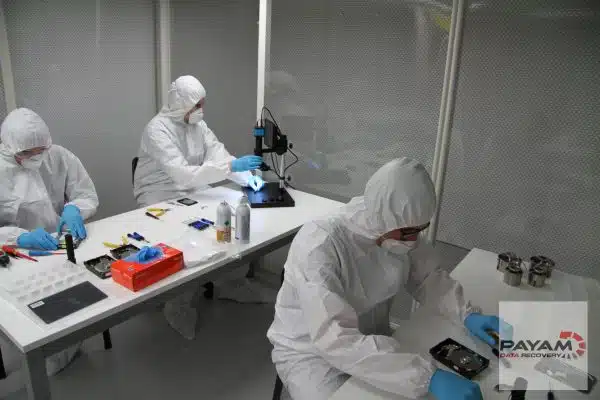
This is a genuine Seagate hard drive recovery case study recorded in our lab. Learn more about hard drive recovery or get a free quote now. You can also view more case studies here. International customers are always welcome. The easiest way to reach us from overseas is by email at help@payam.com.au, which works in every time zone.