

Short answer
Often yes. A beeping drive that will not spin is commonly stiction, where the heads are stuck to the platter after a bump or knock. Do not put the drive in the freezer or knock it, because the heads can come loose and scratch the platter, which makes recovery impossible. Unplug it and bring it to us. We free the heads safely in a dust-free environment and recover your data.
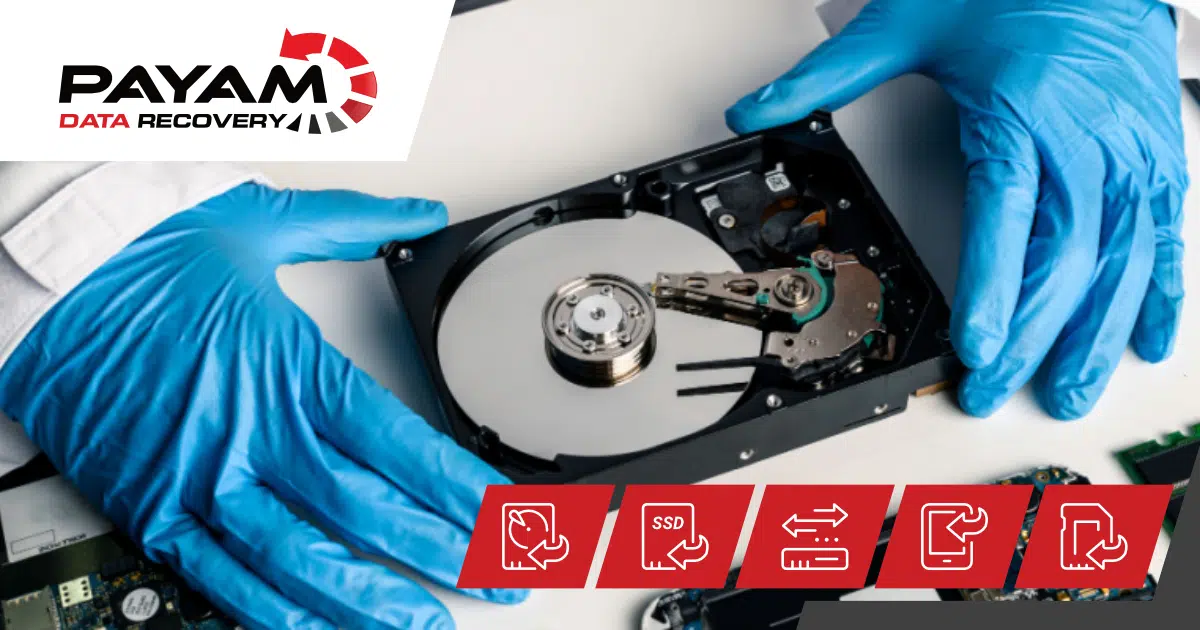
This phenomenon is quite common and typically results from shock or impact. The spindle motor may become jammed, but more frequently, the issue arises when the drive has experienced a bump or knock, causing the read/write heads to become stuck on the platter. This problem is known as stiction, where the heads are adhered to the platter, preventing its rotation, and a beeping sound may be audible.
It is crucial not to place the hard drive in a freezer or subject it to further impacts. While some individuals on platforms like YouTube and various forums suggest such actions, claiming they might unstick the heads, there is a significant risk that the heads could then dislodge and scratch the platter. If this occurs, data recovery becomes impossible.
Therefore, the appropriate course of action is to immediately unplug the device and handle it with extreme care, avoiding any shaking or bumping. We recommend bringing the device to us for inspection. We will safely unstick the heads in a dust-free environment without causing any damage to the platter. Should there be minor marks on the platter, we will clean them. Subsequently, we will either reuse the original heads or, if damaged, replace them with compatible ones, and proceed to back up all your data.
Related help
- More about Seagate hard drive data recovery.
- Read a real job: Seagate clicking drive case study.
- And another: Seagate Barracuda clicking drive case study.
- See more data recovery success stories.
- Ready to start? Get a free assessment and quote.
International customers are always welcome. Post your device to us from anywhere.
More questions people ask
- Family photos lost: external drive not recognised?
- Drive wants to format: can files still be recovered?
- Dead hard drive: can it still be recovered?