

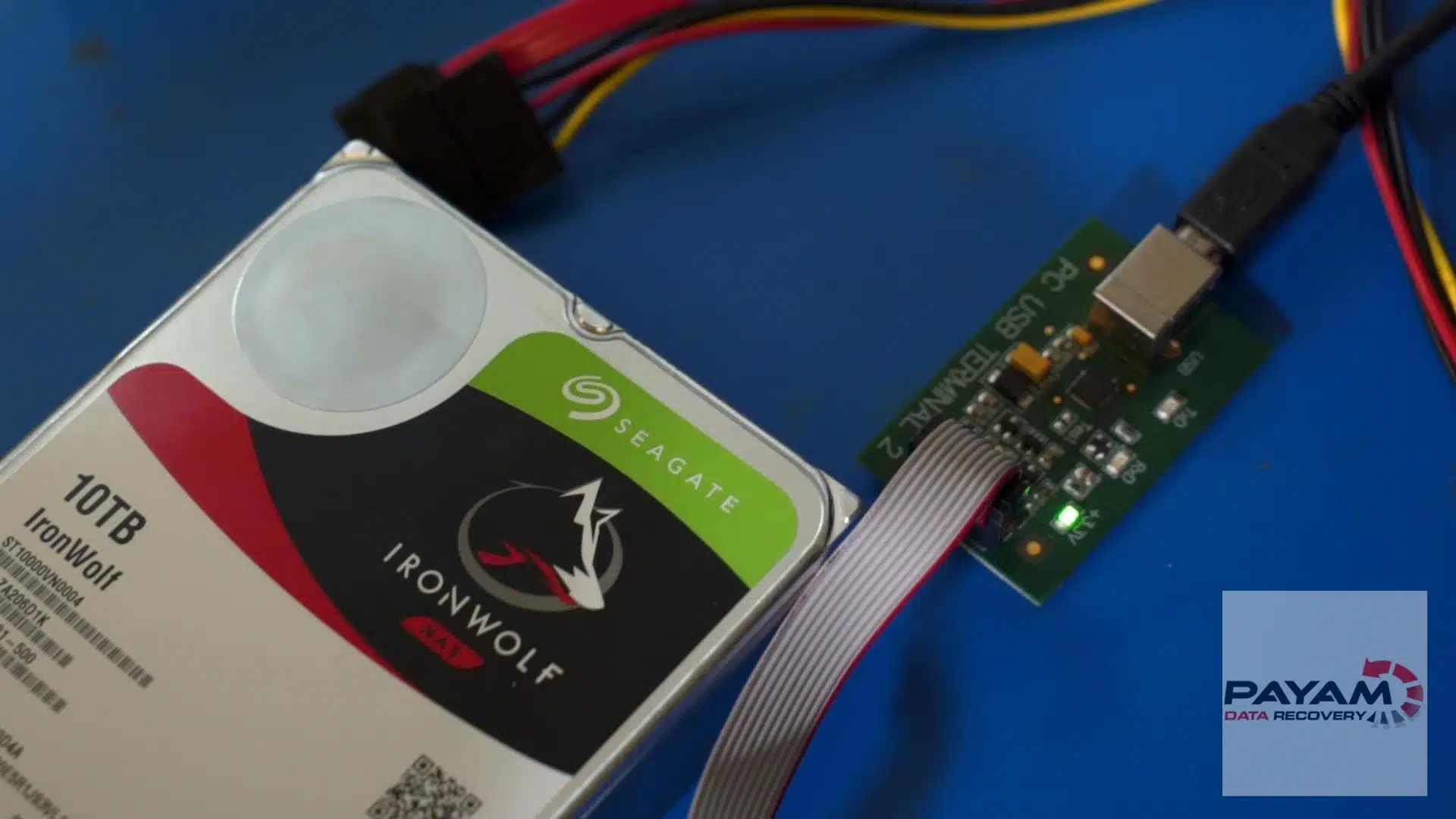
Seagate clicking drive case study: This video case study shows how our engineers at Payam Data Recovery rescued critical files from a failed 2TB Seagate Barracuda hard drive that had both damaged heads and a firmware issue. Watch the full process, including the head replacement and firmware loader injection.
Case study summary
Device: 2TB Seagate Barracuda 3.5 inch hard drive
Problem: The drive failed suddenly, taking years of irreplaceable data with it
Findings: Bad read and write heads, and underneath that a firmware fault that dropped the drive into a busy state where it could not respond to commands at all
Solution: The heads were replaced first, then a specialist loader was uploaded straight into the drive’s RAM to bypass the firmware corruption and reach the data
Outcome: More than 90% of the customer’s critical folder was recovered within hours, with the remaining files expected to take a few more days of careful work on the drive
Service: Hard drive data recovery
What happened in this Seagate clicking drive case?
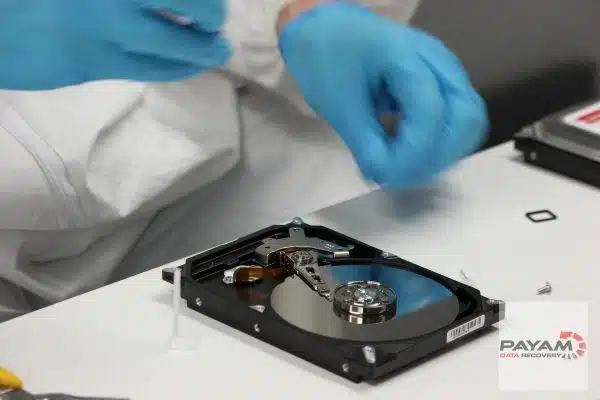
The drive was brought to our lab completely undetected and making a clicking sound. Our initial assessment showed that the read/write heads were damaged. After replacing the heads in our ISO 5 certified laminar flow cabinet, the drive entered a busy state. This indicated a firmware issue on top of the mechanical fault.
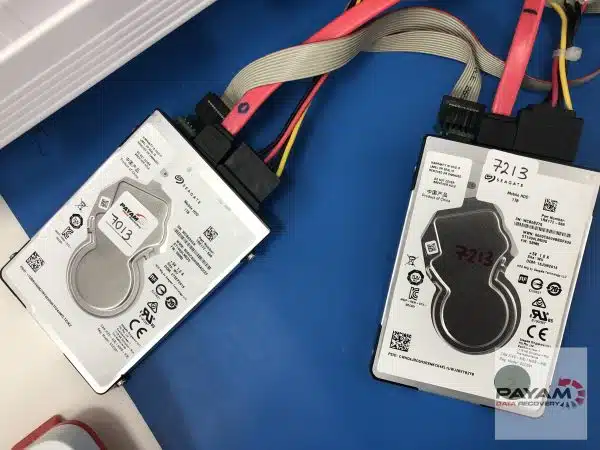
Can a Clicking Seagate Drive with Firmware Issues Be Fixed?
Yes, but it takes experience, tools, and patience. This drive had a dual problem: mechanical failure and firmware corruption. These are often fatal without professional help. But with the right equipment, such as PC-3000, and expert know-how, data extraction from clicking Seagate drives is possible. Our engineer Dimitri bypassed the firmware problem by loading a temporary kernel into RAM, allowing access to the data.
While tools like Hard Disk Sentinel can help monitor SMART status, they can’t detect or fix firmware-level issues or damaged heads. That’s why professional help is essential when dealing with a clicking Seagate drive.
How Payam handled the clicking Seagate drive retrieval
- Free assessment: Confirmed mechanical damage and firmware corruption
- Quote and approval: Client accepted the detailed quote
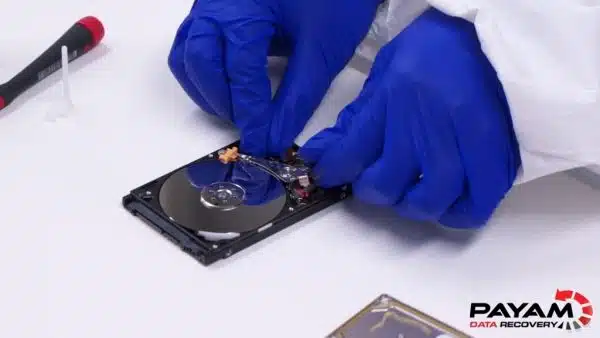
- Head swap: Installed a donor head stack in our ISO 5 certified laminar flow cabinet
- Firmware loader: Used PC-3000 to inject loader and bypass busy state
- Data clone: Retrieved 90%+ of user data in a single imaging pass
Why trust Payam for damaged Seagate hard drive recovery?
- Australia’s oldest data recovery company since 1998
- 300,000+ devices recovered
- Trusted by government agencies and 2000+ IT companies
- Four full service labs in Sydney CBD, Rhodes, Melbourne and Brisbane, plus secure drop-off points in Adelaide and Perth
- ISO 5 certified laminar flow cabinet
- No outsourcing, all work done in-house
- Over 2,400 customer reviews
- Widely recognised as one of the world’s leading data recovery companies
Read more reviews on our customer review page.
Costs and timeline for Seagate clicking drive case study
File retrieval costs range from AUD 375 to 2000 for non-urgent jobs. Priority options speed things up. Costs depend on the issue: file system fixes are simpler, while hardware faults take more work. After a free 1-2 day assessment, we provide an exact quote for your approval.
Common questions on Seagate clicking drive case study
- How long does a clicking Seagate hard drive recovery take? Usually 1-3 weeks after free assessment.
- Can all clicking Seagate drives be fixed? Not all, but many are recoverable if heads or firmware are the cause.
- Is the process safe for my data? Yes. All work is done in our own lab by our data recovery engineers.
Video transcript
Click to expand full transcript
It is Mike here back at Payam Data Recovery, watching one of the data recovery specialists work on another fascinating case. He discovered the drive had bad heads, the critical components that read data from the disk platters. But replacing the heads was just the beginning.
After the head replacement, Dmitri uncovered a deeper problem, a firmware issue causing the drive to fall into what we call a busy state. Think of it like a computer that is frozen. The drive knows it should be working, but it is stuck in an endless loop, unable to respond to any commands.
To solve this, he uploaded a specialised loader directly into the drive’s RAM, bypassing the firmware corruption and restoring access to the data.
The result? Over 90% of the customer’s critical folder was successfully recovered within hours, and the remaining 10% may take a few days of babysitting the drive.
Payam Data Recovery works on thousands of broken hard drives each year. If you have a problem like this, do not use it at all. Unplug it and leave it off to avoid further damage. Then get it to them for a free assessment and quote.
Similar devices we handle
- Seagate BarraCuda 1TB, 2TB, 4TB
- WD My Passport, My Book, Elements
- Samsung external drives
- MacBook Air and Pro (M1, M2)
- Microsoft Surface SSDs
- RAID and NAS servers
Ready to retrieve your files?
Don’t wait. Book a free assessment or ring us on 1300 444 800. Abroad? Post your device to us. Real labs. No bots. Just engineers who care.
Our labs across Australia
- Sydney: Level 11, 65 York Street, NSW 2000
- Rhodes: Suite 213, Level 2, 5 Rider Boulevard, NSW 2138
- Melbourne: Level 11, 456 Lonsdale Street, VIC 3000
- Brisbane: Level 10, 95 North Quay, QLD 4000
- Adelaide: Level 30, 91 King William Street, SA 5000
- Perth: Level 28, 140 St Georges Terrace, WA 6000
See more case studies or learn about hard drive recovery or read our latest data recovery articles.
International customers are always welcome. The easiest way to reach us from overseas is by email at help@payam.com.au, which works in every time zone.