
WD My Cloud and Other NAS Data Recovery
Payam Data Recovery recovers data from WD My Cloud units and other home and small office NAS: Seagate Personal Cloud, Drobo, LaCie 2big, TrueNAS and other ZFS pools, and NAS units that use Linux software RAID. Common faults are all red lights, a failed volume, a NAS that will not connect, and a degraded RAID 5 where a second drive has failed. Send us the drives only. If the drives are healthy, a basic backup costs $350. The assessment and written quote are free.
Free Assessment
and Quote

Urgent Quote
in 2 to 3 Hours

See Your Files
Before You Pay


















NAS problems we recover
Most of these units run a Linux file system such as ext4, XFS or Btrfs, which Windows cannot read. We read the drives directly, without the NAS.
What not to do with a failed NAS
What happens in the first hour decides how much we can recover. Please:
- Do not replace a drive and let the NAS rebuild if you have no backup. A second drive is often failing too, and the rebuild can fail part way.
- Do not reset the NAS to factory settings, create a new volume or reformat it, even if the support line suggests it. You can lose the file and folder names.
- If a computer asks to format a drive from the NAS, press cancel.
- Do not take the drives out and put them back in a different order, and do not move them into another unit to see if it helps.
- Do not run recovery software, chkdsk or a file system check on the original drives. We clone every drive first and work from the clones.
- Do not keep switching it on to check. A failing drive gets worse every time it runs.
How to send us the drives
We do not need the enclosure, the power supply or the drive trays. Just the drives:
- Shut the unit down, or switch it off if it no longer responds. Every hour a failing drive runs can make it worse.
- Label every drive with its bay or slot number before you take it out: bay 1, bay 2 and so on. A strip of masking tape on each drive is enough.
- Send all of the drives, faulty and healthy, including SSD cache drives and any drive that was taken out earlier. Label those too, so we know which is which.
- Write down what happened: the messages on screen, the RAID level if you know it, what has already been tried, and which drive failed first.
- If the volume or shared folders are encrypted, send the password or key file details with the job. We need them to read the data.
- Pack each drive in an anti-static bag with padding, fill out the RAID job form, and bring or post the drives to any of our labs and offices.
- If the drives are still under warranty, get written approval from the manufacturer or retailer first, because we may need to open a drive.
Your recovered files come back on an external drive. You can supply your own, or buy one from us when you approve the quote.
Urgent assessment and Emergency service
Free assessment. We test every drive and email you a written quote within 1 to 2 days. The quote shows the price and turnaround for Economy, Priority and Emergency, any attempt fee, and your chances of success. Nothing is charged until you approve it.
Urgent assessment, $500. If the business is down, ask for an urgent RAID and NAS assessment. You get a written quote within 2 to 3 hours.
Emergency service. When you approve Emergency, work starts straight away, and our data recovery engineers keep working after hours and on weekends until the job is done. At our Sydney CBD, Rhodes NSW, Melbourne and Brisbane labs, work can start the same day once the urgent assessment is done and you approve the quote. From Adelaide, Perth and Auckland, the drives first travel to our Rhodes NSW lab by overnight courier. We never promise a finish time, but your quote gives you a realistic one. See emergency data recovery for how it works.
After hours. Outside business hours (Monday to Friday, 9am to 5:30pm), only the Emergency service is available. Call 0404 872 926. Staff may need 1 to 2 hours’ notice to come in, and a non-refundable emergency assessment fee of $500 applies to RAID and NAS jobs ($150 for other devices). The job then goes ahead on the Emergency service. Please use this number for genuine emergencies only. If you cannot bring the drives in yourself, you can send them by Uber or a same-day courier at your own cost.
How much does WD My Cloud recovery cost?
Most RAID and NAS recoveries cost $2,500 to $6,500 on Economy. Prices are in Australian dollars and include GST. The full price list is on our data recovery cost page. These are the rows that come up most often for a WD My Cloud or other NAS:
- Basic backup from healthy drives: $350 Economy, $550 Priority, $1,400 Emergency, no attempt fee.
- One failed drive, a RAID rebuild only, or file system corruption: $2,500 Economy, $3,500 Priority, $10,000 Emergency.
- Two failed drives: $4,500 Economy, $6,500 Priority, $18,000 Emergency.
- More than two failed drives: $6,500 Economy, $9,000 Priority, $18,000 Emergency.
Apart from a basic backup, RAID and NAS jobs carry a $500 attempt fee. It is part of the quoted price, not an extra, and if nothing is recovered it is the only cost. Very large or complex cases may have a custom price, quoted after the free assessment. We do not charge by the hour.
Economy usually takes 3 to 4 weeks, Priority 1 to 3 weeks and Emergency 2 to 6 days, with no guarantee. A basic backup from healthy drives is faster: 5 to 10 days on Economy and 1 to 2 days on Emergency. The success rate is the same on all three services; only the speed changes.
Where the work is done
RAID and NAS recovery is done at our own labs in Sydney CBD, Rhodes NSW, Melbourne and Brisbane. A drive that needs a head swap is opened in one of the two professional ISO 5 laminar flow cabinets at our Rhodes lab, and goes there by overnight courier at our cost. Adelaide, Perth and Auckland have secure drop-off offices, and drives from there go to Rhodes by overnight courier. Nothing is outsourced, and we do not offer an on-site service.
We have been recovering data in Australia since 1998, with over 300,000 successful recoveries. Supply your own NDA and our director, Payam Toloo, will sign it. IT support companies that send a job for their client can do it through our partnership program.
Case studies: see how we do it
Real WD My Cloud, Seagate and LaCie jobs from our labs, each with the full write-up and a video. More on our case studies page.
WD My Cloud EX4100, all red lights
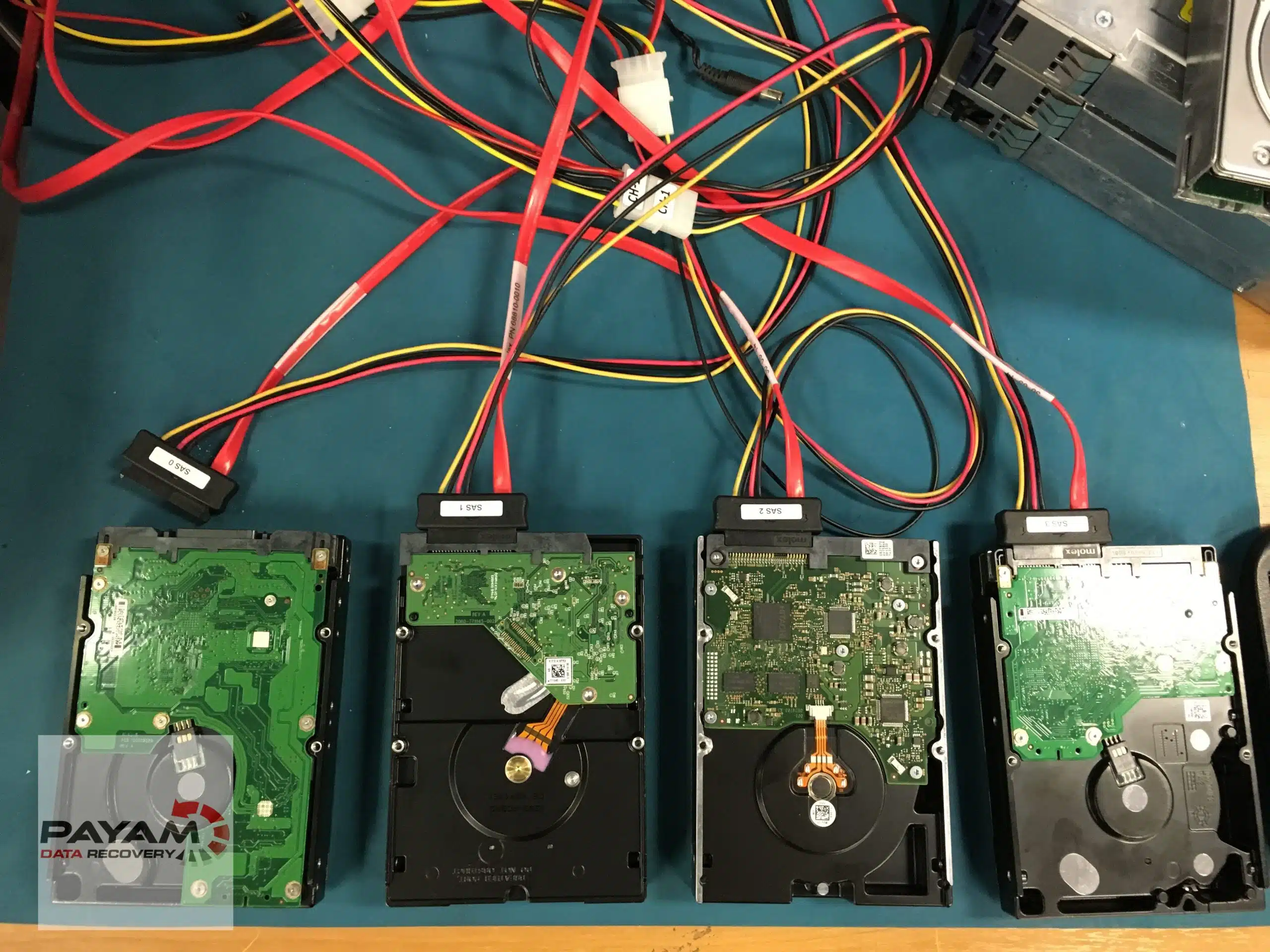
One drive had failed four months earlier without anyone noticing. When a second drive developed bad sectors, the RAID 5 volume failed. All four drives were cloned and 9TB recovered.
WD My Cloud RAID 5, Veeam backups missing
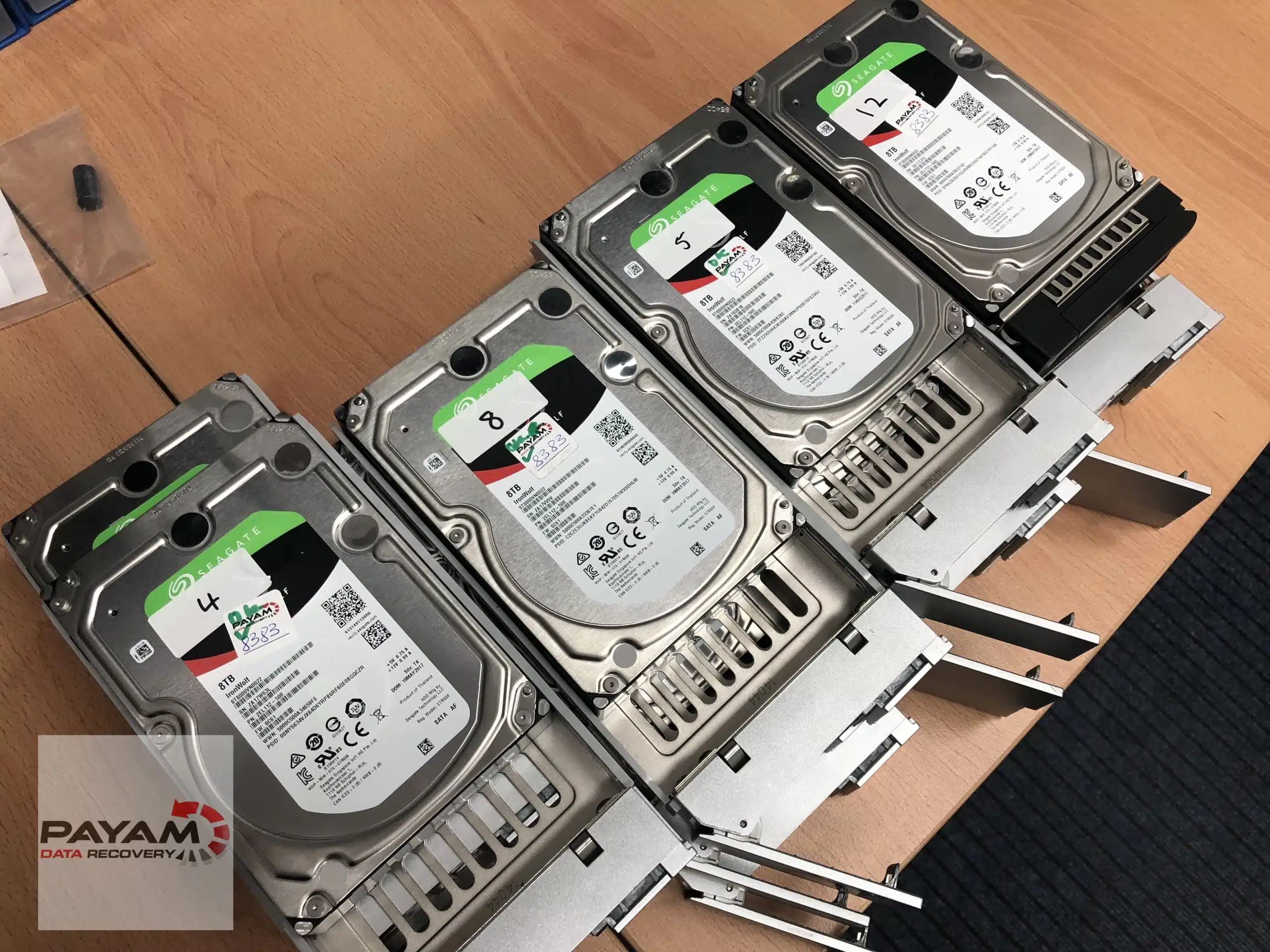
A 4-drive My Cloud volume suddenly showed only a few files, and the Veeam backups looked gone. Standard tools failed, so we rebuilt the RAID by hand and recovered about 18TB.
Seagate Personal Cloud not connecting
The 2-bay NAS had power but would not connect, and Seagate could not help. Both drives were healthy RAID 1 mirrors, so all the photos came back as a basic backup.
LaCie 2big 20TB RAID 1 on a Mac
A LaCie 2big Thunderbolt drive failed on a Mac. The RAID 1 mirror was recovered with its Time Machine backups intact in 2 days.
Frequently asked questions
In most cases, yes. Red lights usually mean the volume has failed because one or more drives are failing. In our WD My Cloud EX4100 case, one drive had failed four months earlier without anyone noticing, and the volume failed when a second drive developed bad sectors. We cloned all four drives and recovered 9TB.
Often the drives are healthy and only the NAS has failed. We take the drives out, test them, and copy the files off without the NAS. In our Seagate Personal Cloud case both drives were healthy, so it was a basic backup at the lowest price.
You can, but if the computer asks to format it, press cancel. NAS drives use Linux file systems that Windows cannot read. If you cannot see your files, bring the drive to us for a free assessment.
Yes. We can recover the data from the drives without the Drobo unit, including when the unit will not power up.
Yes, in most cases. The red light usually means one of the drives has started to fail. We recover the data from the drives without the enclosure.
Yes. In most cases we can rebuild the file system and extract the files and folders, using specialised tools and our own software.
No. We only recover the data and copy it to a new drive. Ask the manufacturer about a repair, or buy a new NAS and copy the files back onto it.
No. Rescue and other insurance-type plans are run by separate companies and are not related to us. They only cover our work if that company agrees to pay us.
Most RAID and NAS recoveries cost $2,500 to $6,500 on Economy. A basic backup from healthy drives is $350. One failed drive is $2,500 on Economy, two failed drives $4,500 and more than two $6,500. Priority and Emergency are faster and cost more. Apart from a basic backup there is a $500 attempt fee, which is part of the price, not an extra. The assessment and written quote are free. All prices are on our data recovery cost page.
The free assessment and written quote take 1 to 2 days. An urgent assessment costs $500 and gives you a written quote within 2 to 3 hours. On Emergency, work starts as soon as you approve the quote and usually takes 2 to 6 days, with no guarantee. At our Sydney CBD, Rhodes NSW, Melbourne and Brisbane labs, work can start the same day.
Yes, on the Emergency service only. Call 0404 872 926. Staff may need 1 to 2 hours’ notice to come in, and a non-refundable emergency assessment fee of $500 applies to RAID and NAS jobs ($150 for other devices). The job then goes ahead on the Emergency service. During business hours, Monday to Friday 9am to 5:30pm, you can choose Economy, Priority or Emergency after the quote.
First published 27 October 2026. Prices match our data recovery cost page as checked on 27 October 2026.
Get a Free Quote
Complete this form for information about the cost and next steps
After you complete this form, we will email you information about the price, what to expect, and the next steps to get started.
Phone: 1300 444 800 (within Australia)
After hours, emergencies only: 0404 872 926
International: +61 2 80766079
Email: help@payam.com.au
International customers are always welcome. The easiest way to reach us from overseas is by email at help@payam.com.au, which works in every time zone.


