
CCTV footage gone? We can help!
Recover footage from a failed recorder
A break-in, a car accident, a dispute with a customer. The footage you need is on the recorder, and the recorder has stopped working.
We recover video from the hard drives inside DVRs, NVRs and other CCTV systems, from surveillance NAS units, and from the SD cards in dash cams and body cams.
We have been recovering data since 1998, from over 300,000 devices. A team of specialist engineers does the work in our own labs in Australia, and nothing is outsourced overseas.
Who we help
What to do right now
Most CCTV recorders record in a loop. When the drive is full, they record over the oldest footage. Every hour the recorder keeps running can overwrite more of what you need.
- Stop the recorder from recording. If you cannot stop recording in the menu, switch the recorder off and unplug it.
- Do not initialise or format the drive. If the recorder shows HDD error, No HDD or Uninitialised, do not press Initialise or Format. Initialising a drive formats it, and new recordings then start writing over the old ones.
- Do not keep restarting a recorder that clicks, beeps or will not boot. A failing drive can be damaged further each time it powers on.
- Do not plug the drive into a computer or run recovery software. A computer cannot read most CCTV file systems, and Windows may offer to format the drive. Click Cancel.
- Write down what you need: the camera, the date and the time range. This helps us find the footage that matters first.
- Send us the whole recorder, or just its drives. If it holds more than one drive, send every drive and mark which bay each one came from.
Need it urgently? See our emergency data recovery service, or call 1300 444 800. After hours, for emergencies only, call 0404 872 926.
Recorders and drives we work on
Brand names belong to their owners. We are not connected with, or approved by, any of these makers.
Common CCTV problems
- The hard drive has failed. It clicks, beeps, is not detected or has bad sectors. Damaged heads, a damaged circuit board (PCB), bad sectors and firmware faults are the usual causes, and they are faults we work on every day. See our hard drive data recovery page.
- The DVR or NVR will not boot, or shows HDD error. The drive is often the cause. We test the drive on its own.
- Overwritten or looped footage. The recorder has recorded over the period you need. Read the honest answer below.
- Deleted footage, or a drive that was initialised or formatted. Sometimes part of it can be found, if the recorder was stopped straight away.
- A proprietary file system. Most CCTV systems use their own specialised file system, so a computer cannot open the drive. We use specialised tools that can read CCTV file systems.
- Footage that needs exporting. If you no longer have the recorder, we can export the video clips as files. If you still have it, we can give you a clone of the drive to put back in the recorder and use its own software.
- A NAS or RAID that failed. We rebuild the RAID from clones of every drive. See our RAID and NAS data recovery page.
What we can and cannot do
Overwritten footage
Footage that the recorder has already recorded over usually cannot be recovered, by us or by anyone else. A loop recorder writes new video over the oldest video once the drive is full, and once that happens the old video is gone. This is why stopping the recorder quickly matters so much. After the assessment, we tell you honestly what we find.
Police, insurance and evidence
Many customers need footage for the police or an insurance claim. This is what we do on every job:
- We copy your original drive first and work from the copy, so the original is not changed or damaged further by the recovery itself. If the drive has failed, we repair it temporarily so that it can be copied.
- Your device is logged against your job number from the moment it arrives, and it stays with us until it goes back to you.
- We sign confidentiality agreements on request.
We are a data recovery lab. We do not provide formal reports or expert evidence. If your matter needs a formal chain of custody or a forensic report, ask your investigator or lawyer what they need before you send the device.
How CCTV data recovery works
- Submit a job. Fill in the job form to get a job number, then bring in or send the recorder or its drives.
- Free assessment. We test the drives and find the fault. You get a written quote within 1 to 2 business days, with the price for Economy, Priority and Emergency.
- You decide. Work starts only after you approve the quote.
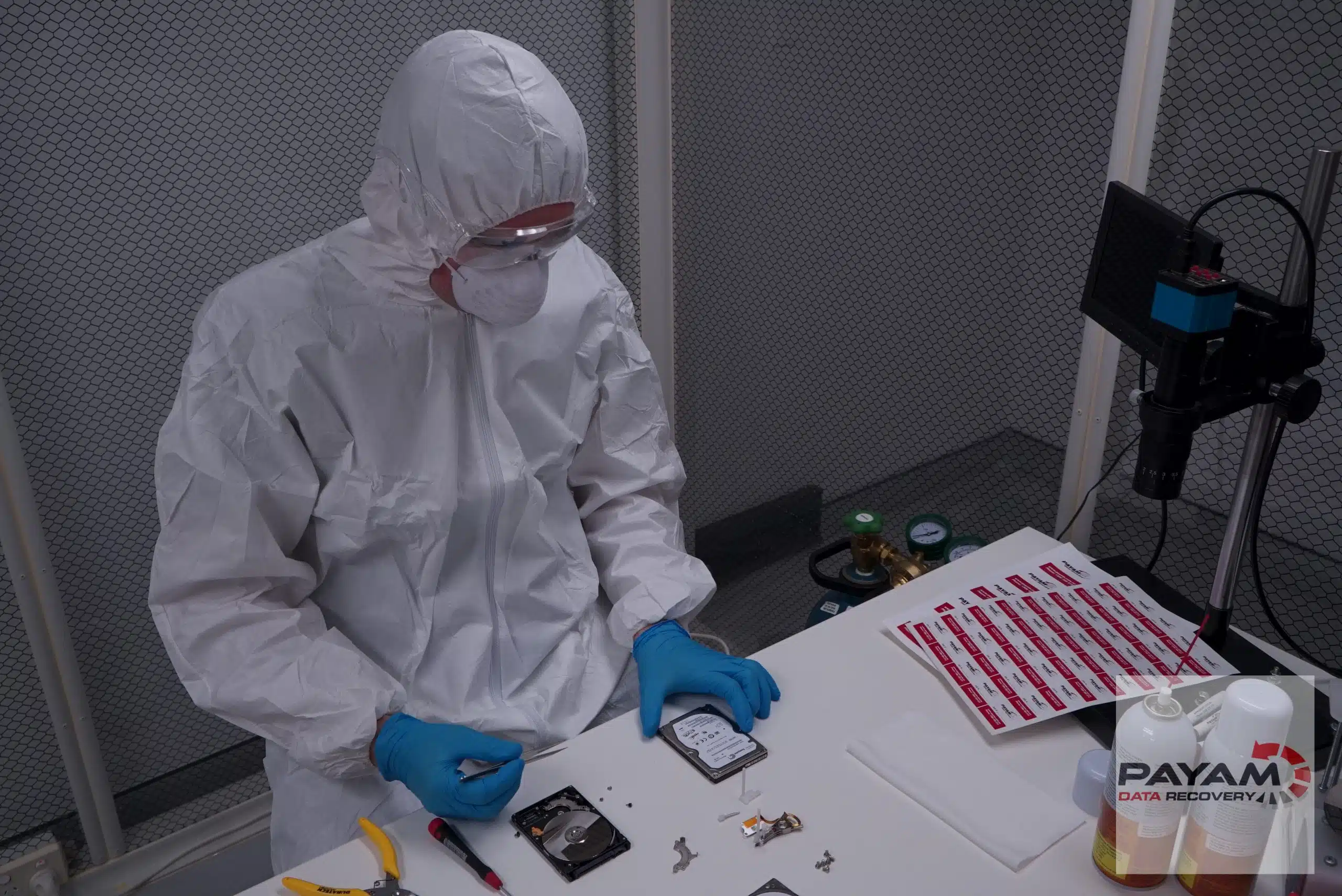
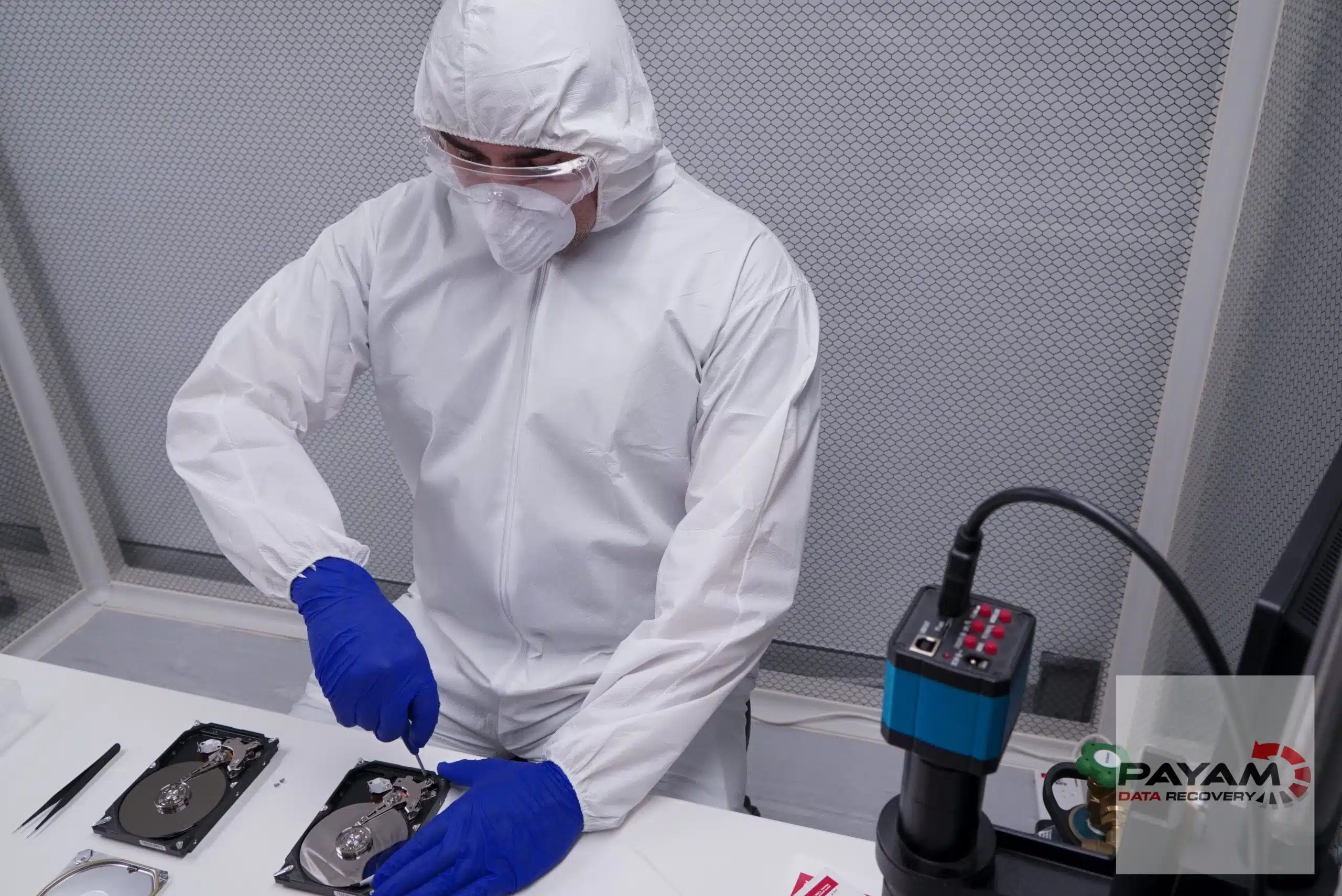
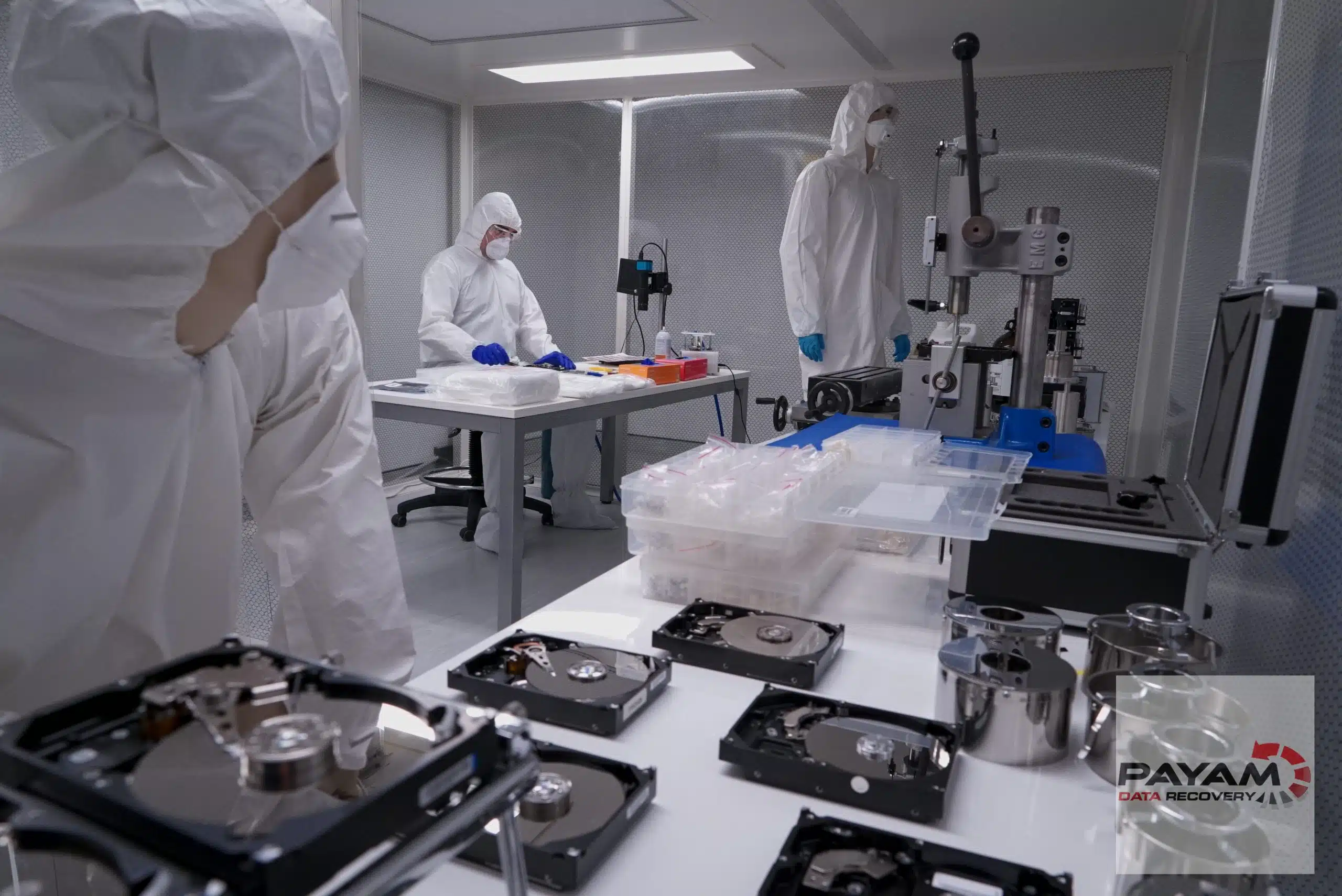
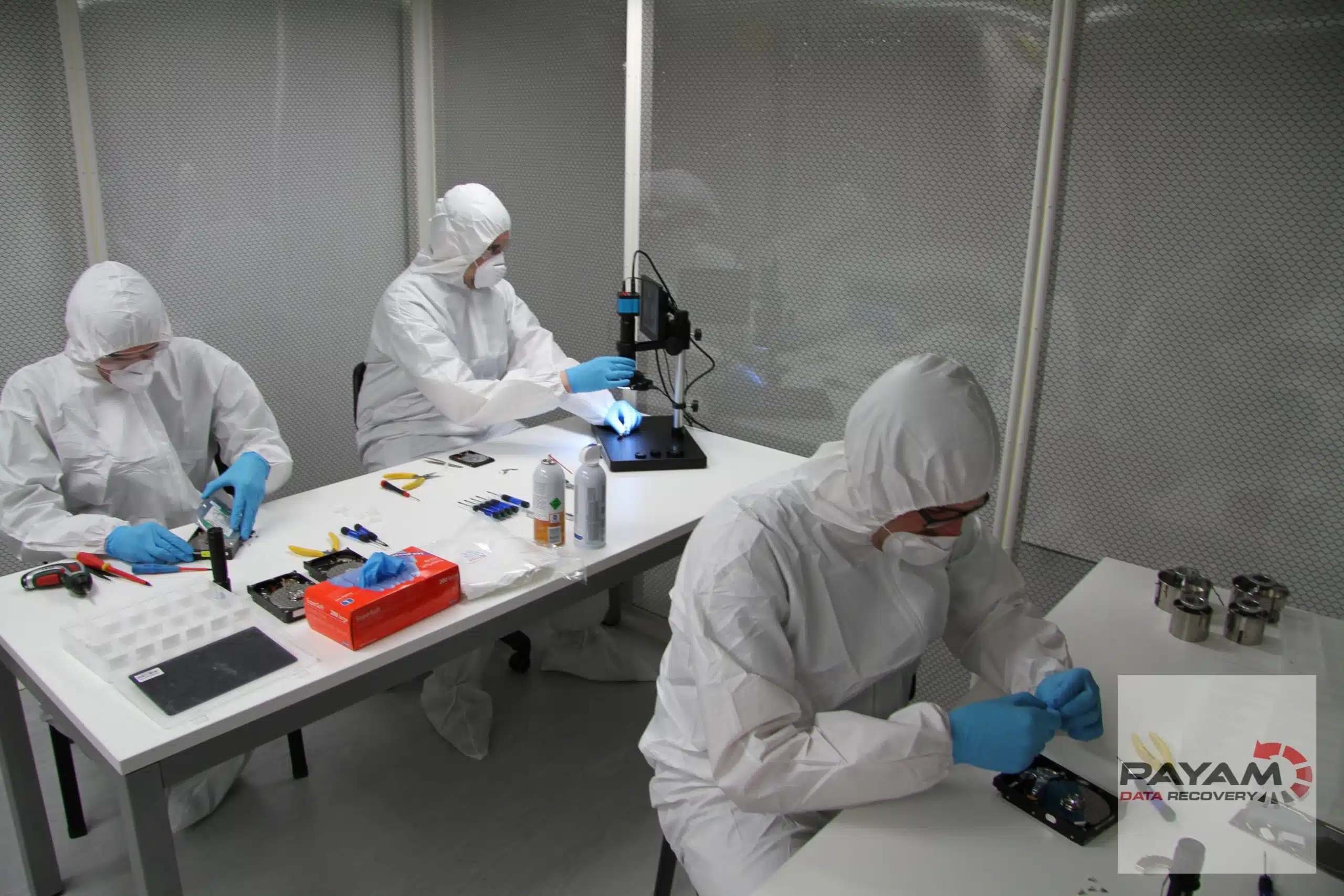
- We copy the drive first. A drive that needs new heads is opened in one of our two ISO 5 laminar flow cabinets (the old Class 100 standard) at our Rhodes lab.
- We find the footage. We read the recorder’s file system, or rebuild the RAID for a multi drive recorder or NAS, and recover the video.
- See your files before you pay. We send you a list of your recovered files so you can check them.
- Your footage comes back on an external drive. You can supply your own drive, or buy one from us.
Visit our labs in Sydney CBD, Rhodes NSW, Melbourne and Brisbane, or use our secure drop-off offices in Adelaide, Perth and Auckland, which send your device to our Rhodes lab. You can also post it to us from anywhere. See all locations.
How much does CCTV data recovery cost?
The assessment is free, and you get a written quote before any work starts.
- A DVR or NVR with one hard drive is priced as a hard drive job. Most hard drive recoveries cost $375 to $1,750 including GST on our Economy service.
- A recorder or NAS with several drives in a RAID is priced as a RAID and NAS job. Most RAID and NAS recoveries cost $2,500 to $6,500 on Economy.
Priority and Emergency are faster and cost more. Some faults, such as damaged heads or deleted footage, carry an attempt fee, and your quote states it clearly. Most recoveries are no fix, no fee. Some complex cases have an attempt fee, then a completion fee only if the recovery is successful. See the full price list: How much does data recovery cost in Australia?
Turnaround and urgent jobs
Turnaround depends on the fault and the service you choose. Your quote gives the turnaround for each option.
If you cannot wait for the free assessment, an urgent assessment costs $150 for a written quote within 1 to 2 hours, or $500 within 2 to 3 hours for RAID and NAS. Our Emergency service is the fastest option: read about emergency data recovery.
Outside business hours (Monday to Friday, 9am to 5:30pm) only the Emergency service is available. The emergency assessment costs $150, or $500 for RAID and NAS. It is non-refundable, and you then go ahead with the Emergency service. For after hours emergencies only, call 0404 872 926.
Case studies: See how we do it!
DVR hard drive with failed heads after a break-in
Samuel’s business was broken into, and the DVR that held the only copy of the footage stopped working. The drive was clicking and shutting down. We replaced the failed heads in the laminar flow cabinet, imaged the drive, then replaced the heads a second time to read the weaker areas. All the footage he needed for insurance and the investigation was recovered.
Synology NAS RAID 5 with CCTV footage, Bankstown
An IT manager in Bankstown came back after Christmas to find the company’s Synology NAS in read only mode. Its twelve 6TB drives in RAID 5 held CCTV footage, documents and Office 365 backups. We tested every drive, found one with bad sectors, rebuilt the RAID and recovered all the data, including the CCTV footage.
Camera footage that would not play
A camera shop had tried to recover car racing footage from a SanDisk SD card, but none of the videos would play. We imaged the card, found the one tool that rebuilt the clips correctly, and all 21 clips came back playable.
What our clients say


Frequently asked questions
Sometimes. When footage is deleted, or the drive is initialised or formatted, the recorder treats that space as free and starts recording over it. If the recorder was stopped straight away, some of the footage may still be on the drive.
Recovering it is a deleted files job, which carries an attempt fee, and we cannot promise a result. Switch the recorder off now and send us the drive.
Usually not. A loop recorder records over the oldest footage once the drive is full. Footage that has been recorded over usually cannot be recovered, by us or by anyone else.
If you are not sure whether the footage you need has been overwritten, stop the recorder now so that no more is lost, and we will tell you honestly what we find.
Yes. Hikvision, Dahua, Swann and most other recorders use their own specialised file system, so a computer cannot read the drive.
If the drive has failed, we repair it temporarily and copy it. We can then give you a sector by sector clone to put back in your recorder, or use specialised tools that read the CCTV file system and export the video clips as files.
Often, yes. A recorder that will not boot, or shows HDD error or No HDD, usually has a failing hard drive. Do not initialise or format the drive, and do not keep restarting the recorder.
Send us the recorder or the drive. We test the drive, find the fault and give you a written quote.
Yes. Send us the hard drive or drives on their own. We use specialised data recovery tools that can read the CCTV file system, and we can export the video clips as files.
We export the clips as files. Some recorders save video in their own format, which may need the maker’s player software.
If you still have the recorder, we can give you a clone of the drive to put back in it, so you can play and export the footage with the recorder’s own software.
Either is fine. The drive is what we need. If the recorder has more than one drive, send every drive and mark which bay each one came from.
Tell us the make and model of the recorder, and the camera, date and time range you need.
The assessment is free. A recorder with one hard drive is priced as a hard drive job: most cost $375 to $1,750 including GST on Economy. A recorder or NAS with several drives in a RAID is priced as a RAID and NAS job: most cost $2,500 to $6,500 on Economy.
Priority and Emergency are faster and cost more. You get a written quote before any work starts.
Your quote gives the turnaround for Economy, Priority and Emergency. Emergency is the fastest.
If you cannot wait for the free assessment, an urgent assessment costs $150 for a written quote within 1 to 2 hours, or $500 within 2 to 3 hours for RAID and NAS. Outside business hours, Monday to Friday 9am to 5:30pm, only the Emergency service is available.
We recover the footage and return it to you, so you can give it to the police or your insurer. We copy your original drive first and work from the copy, and your device is logged against your job number from the moment it arrives.
We do not provide formal reports or expert evidence. If your matter needs a formal chain of custody, check with your investigator before you send the device.
Yes. Send us every drive from the NAS, both faulty and healthy. We test and clone each drive, rebuild the RAID from the clones and recover the footage.
Do not rebuild, reinitialise or reset the RAID yourself. Read our Synology NAS RAID 5 case study, where CCTV footage was recovered from twelve drives.
Yes, we work on SD and microSD cards from dash cams and body cams. Stop using the card, do not format it, and send it to us for a free assessment. More on our memory card data recovery page.
Get a Free Quote
Complete this form for information about the cost and next steps
Ready to send it in? Submit a job online, or call 1300 444 800. After hours, for emergencies only, call 0404 872 926.
After you complete this form, we will email you information about the price, what to expect, and the next steps to get started.
Phone: 1300 444 800 (within Australia)
International: +61 2 80766079
Email: help@payam.com.au


