

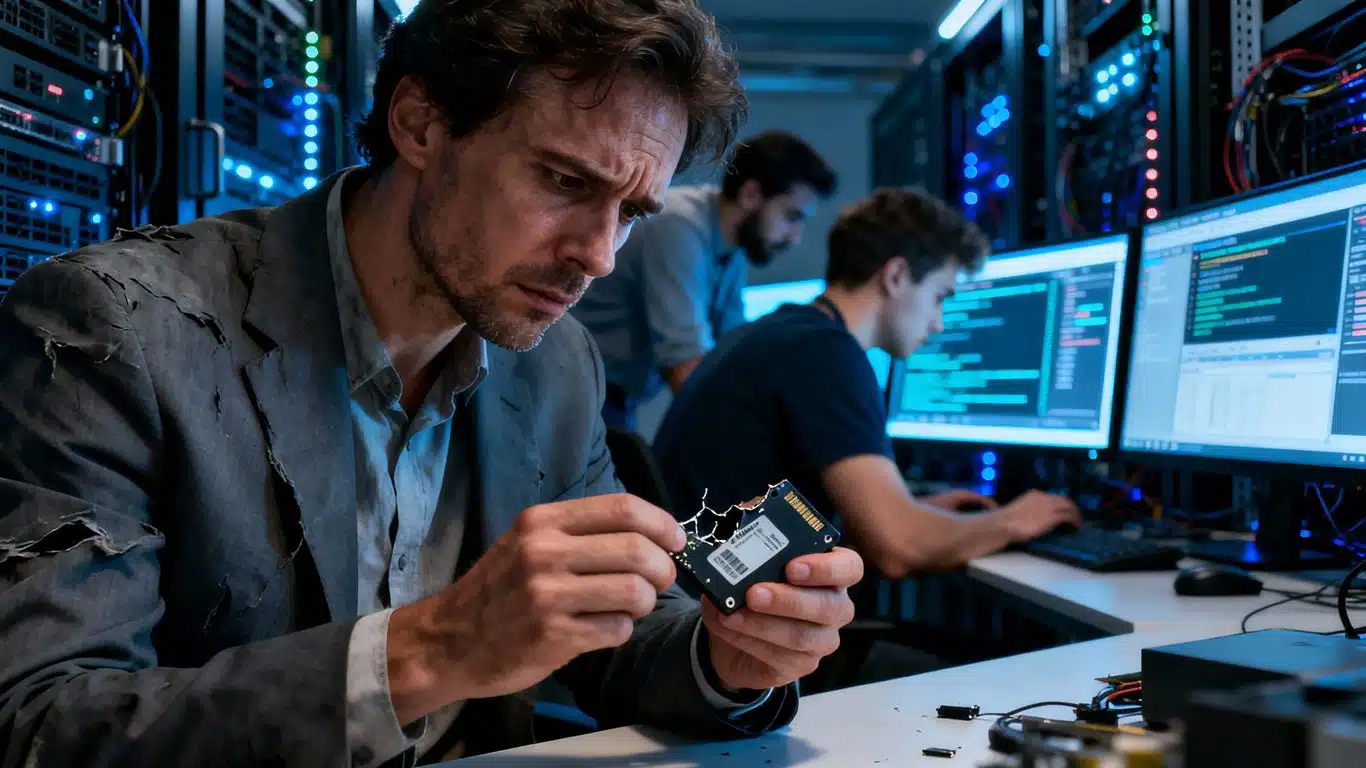
Case Study Summary
- Client: Adrian (business owner, Australia)
- Device: 2.5-inch SATA SSD
- Problem: SSD not recognised due to NAND degradation
- Solution: Firmware-level translator rebuild
- Outcome: Majority of critical business data recovered
This SATA SSD NAND degradation case study documents how the data recovery engineers at Payam Data Recovery recovered critical business files from a failed SSD that was no longer recognised by any computer. With a project deadline approaching, the device had become completely inaccessible and required firmware-level recovery work.
The problem: SSD not recognised by computer
The 2.5-inch SATA SSD arrived as a Priority service. The client reported that the drive was not detected at all, which can indicate an advanced SSD firmware issue rather than a file system problem.
Diagnostic testing confirmed NAND flash degradation. When NAND memory deteriorates, the SSD controller can enter a busy state after power-up, preventing the drive from presenting data to the operating system. Further technical background on NAND flash memory is available on
Wikipedia.
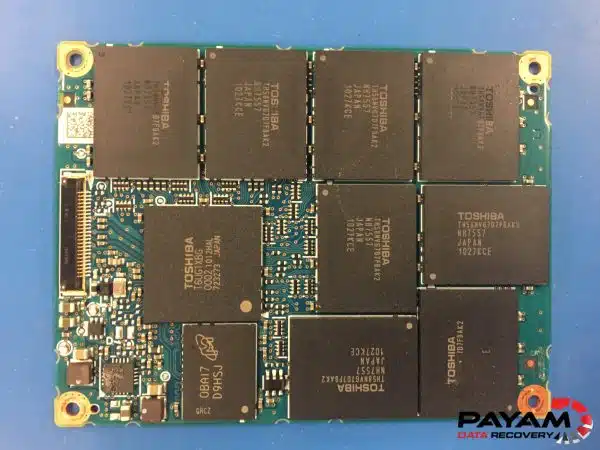
SATA SSD NAND degradation case study process
The recovery process focused on rebuilding the SSD translator, a firmware component that maps logical file locations to physical NAND memory cells. Without a functioning translator, data stored on the NAND chips cannot be accessed even if the memory itself remains readable.
Using specialised SSD firmware tools, the data recovery engineer reconstructed the translator to restore communication between the controller and the NAND memory. Once rebuilt, data extraction could begin in a controlled manner.
Recovery results
The data recovery engineer explained that recoveries involving NAND degradation may not always preserve a perfect file structure. In this case, most recovered data was presented in a raw format. Despite this limitation, the majority of the client’s critical business files were successfully retrieved.
This SATA SSD NAND degradation case study also shows why acting quickly matters. Reducing further NAND deterioration can improve the overall recovery outcome.
Why professional recovery matters
Unlike mechanical hard drives, SSD failures are firmware and electronics based. Standard software tools and general IT repair services cannot address NAND degradation or a corrupted translator. Professional SSD recovery requires specialised equipment, firmware access, and experience with different controller architectures.
Attempting DIY recovery on an unrecognised SSD can permanently reduce recovery chances.
Why People Choose Payam Data Recovery
A failed SSD needs an experienced data recovery engineer and professional tools, because its own controller and firmware decide where your files sit on its memory chips. That is the work we do every day.
- We are a specialist data recovery lab, not a computer repair shop. We have been recovering data since 1998, from over 300,000 devices.
- The best equipped data recovery lab in Australia: the Ace Lab PC-3000 for SSD firmware faults, Rusolut tools to read memory chips directly, microscopes and microsoldering stations for circuit board work, and over 30,000 donor parts, including around 20,000 donor hard drives.
- Over 2,000 IT companies and computer shops across Australia send us their customers’ complex cases, and data recovery labs and IT companies in more than 50 countries have sent us their difficult cases over the past ten years.
- Rated 4.9 from more than 2,300 Google reviews.
- About 90% of our jobs are no fix, no fee. The hardest 10% carry an attempt fee.
- See your files before you pay. You tell us which files matter most. Before you pay for the recovery, we’ll send you a list of your recovered files so you can check them. If any of the files you listed are missing, tell us and we’ll search again.
- There is no card surcharge. Pay by Visa, Mastercard, American Express, Afterpay, Zip or bank deposit (EFT).
- Everything is done in our own labs in Australia and never outsourced overseas. Call or visit us, and you can speak with the data recovery engineers who do the work.
We are not the cheapest. We are the best in Australia at this work. We know what to do, how to do it, and we will do our very best for you. Your best chance of getting your data back is with us.
SSD data recovery workflow
- Free assessment and quote
- Quote provided within 1 to 2 business days
- Work starts only after approval
- Economy, Priority, and Emergency options available
Frequently asked questions
What is SSD NAND degradation?
NAND degradation occurs when flash memory cells wear out or become unstable, preventing the SSD from correctly accessing stored data.
Can data be recovered if an SSD is not detected?
In many cases, professional recovery is possible using firmware-level techniques.
Why does an SSD enter a busy state?
Severe NAND degradation can prevent the controller from completing internal processes, leaving the drive inaccessible.
How long does SSD NAND degradation recovery take?
Turnaround time depends on service level and complexity. Economy services are slower, while Priority and Emergency options provide faster processing.
Video transcript
Click to expand full transcript
Hi, it is Mike here, and I came in to watch one of their data recovery engineers work through this challenging case study. He started by diagnosing Adrian’s failed SSD, a 2.5 inch drive. Adrian had complained that the SSD was not being recognised by his computer. Fast testing revealed the problem. The SSD was suffering from NAND degradation. NAND is the flash memory chip that actually stores all your data, and when it degrades, your files become inaccessible.
After powering up, the drive would fall into a busy state, making it inaccessible through normal means. But the data recovery engineer had specialised tools for exactly this type of case. Using compatible software, he worked to rebuild the translator, the critical component that allows the computer to communicate with the drive storage.
With the translator rebuilt, the data began copying. While the engineer explained that the recovery would not be perfect, mostly raw data rather than 100% of the original files, Adrian would get the majority of his work back.
When your data is on the line and you have exhausted every other option, Payam Data Recovery has the specialised expertise and advanced tools to tackle even the most complex cases. Because when it is your business, some things are simply too important to lose. Thanks for watching.
Related SSD data recovery case studies
- SanDisk SSD data recovery case study
- Failed SSD data recovery guide Australia
- Dead Microsoft Surface data recovery Australia
- Portable SSD firmware failure data recovery case study
- Formatted SSD TRIM translator rebuild case study
- Samsung T7 Shield not recognised, USB-C port fault case study
About Payam Data Recovery
Payam Data Recovery works with individuals, students, families, small and medium businesses, IT companies, and organisations that need their data recovered safely and professionally. Some customers come to us with a single damaged device containing personal memories, while others rely on us for complex technical recoveries that require specialist tools and experience.
We are based in Australia and have been recovering data since 1998. Our clients also include governments, law enforcement agencies, corporations, and public figures. Every job is handled with 100 percent confidentiality and privacy.
Request a free SSD data recovery assessment
Read more about our SSD Data Recovery Service
Email: help@payam.com.au
Phone: 1300 444 800
International customers are always welcome. The easiest way to reach us from overseas is by email at help@payam.com.au, which works in every time zone.