

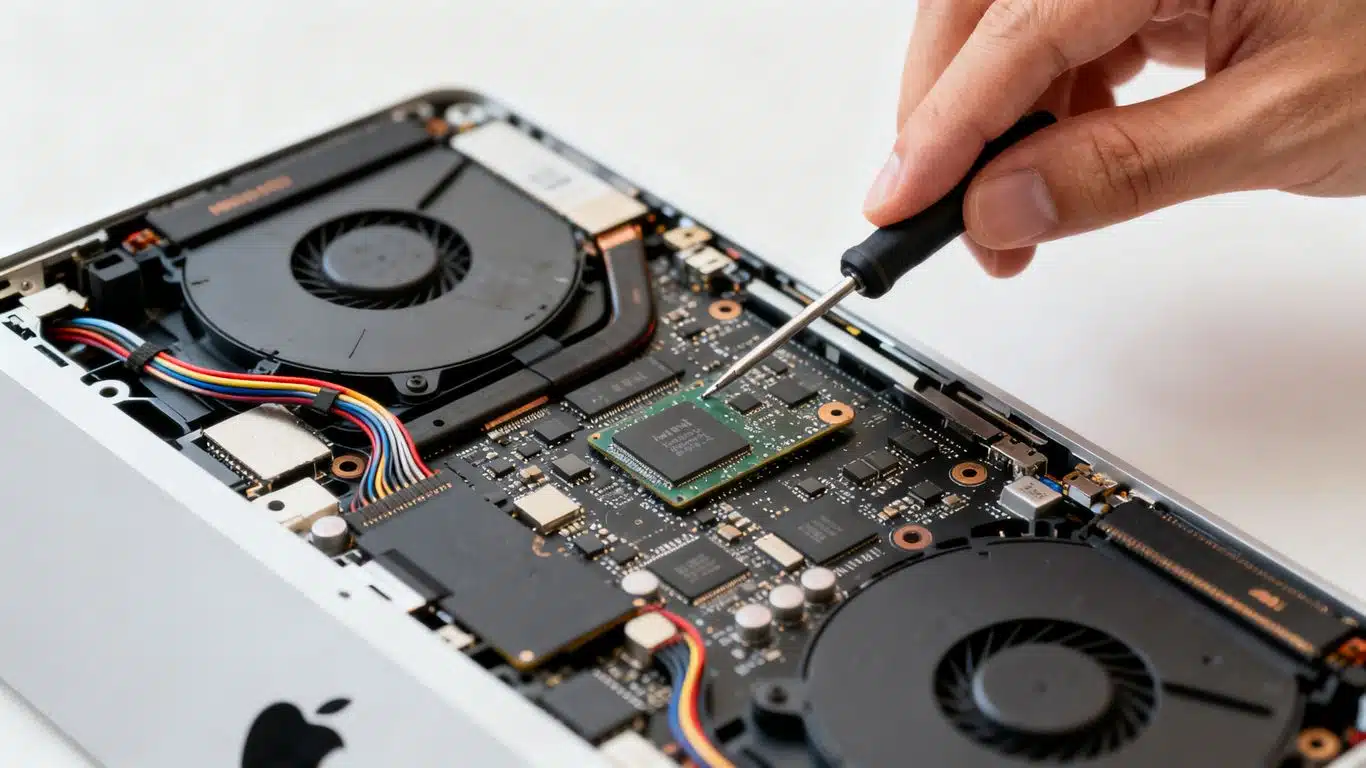
Case Study Summary
Client: Claire, Melbourne VIC
Device: Apple iMac A2439, 2021 M1 chip model
Problem: Completely dead iMac. No power, no display. Apple offered a warranty replacement, but no backup or iCloud sync existed and every document, spreadsheet, email and photo was trapped on the soldered SSD.
Solution: Diagnosed and repaired a fault on the iMac’s I/O board, then cloned the onboard SSD.
Outcome: 100% of Claire’s files recovered and shipped to Melbourne on a Mac-formatted external drive.
Service Page: Apple iMac Data Recovery
Dead M1 iMac, No Backup, Apple Wanted to Swap the Machine
Claire from Melbourne walked into an Apple Store with a 2021 iMac that wouldn’t turn on. Apple offered a warranty replacement. The problem was that she had no backup and no iCloud sync, so accepting the swap meant losing every Word document, Excel spreadsheet, email, photo and folder on the machine. She shipped the iMac to Sydney first, and Payam Data Recovery returned 100% of her files. This is the iMac M1 A2439 data recovery case study for that job.
If you’re reading this with the same problem, the short version is yes, we can help. Payam Data Recovery is one of only three companies Apple recommends for data recovery on its official support page, alongside DriveSavers and Ontrack. We work with customers across Australia and internationally. Phone us on 1300 444 800 or request a free quote.
The Problem: A Completely Dead 2021 M1 iMac
Claire’s machine was an Apple iMac A2439, the 2021 M1 chip model. Completely dead on arrival in Sydney. No power, no fan spin, no chime, no image on the panel. Apple’s diagnosis at the store had been simple: replace the unit under warranty. That’s a reasonable answer if there’s a backup. With no backup, it’s a worst-case answer, because the warranty swap returns the original machine to Apple and Apple does not perform data recovery as part of warranty service.
The 2021 iMac is built differently to earlier models. It uses a separate I/O board that handles one of the speakers, one of the fans, and the USB IC. When this board fails, the whole iMac can present as completely dead even though the main logic board and the soldered SSD are perfectly healthy. It’s a common failure mode and one we see regularly on these units.
How We Recovered Claire’s iMac M1 A2439 Data
Our engineers diagnosed the fault, confirmed the main logic board and the SSD were healthy, repaired the I/O board at the component level, and brought the iMac back to a state where the storage could be read. From there, the onboard SSD was fully cloned. 100% of Claire’s data came across with no errors.
The recovered data was copied to a Mac-formatted USB external hard drive and prepared for shipping. Claire receives an email with the full file listing, a video screen recording of her recovered data, and a payment link. Once paid, the drive ships to Melbourne ready to plug in. After that, Apple is welcome to take the original iMac back under warranty. Recovery work performed by an Apple-recommended provider does not disqualify a device from Apple service.
This kind of recovery sits inside our normal in-house capability. The same architectural challenge appears across the M-series iMac range, and we recover data from M4 iMacs with similar dead-board faults. See our iMac M4 data recovery case study for an example of a 2024 model recovered from a completely dead state. Where board repair on the original logic board isn’t enough to read the SSD, our engineers can perform M-chip transplants and NAND chip transplants onto a donor logic board. The aim of any board work in our lab is access to back the data up. We’re a data recovery lab, not a repair shop, and the iMac doesn’t need to be daily-driver reliable afterwards. It just needs to read its SSD long enough for a clean image.
iMac M1 A2439 Data Recovery Results
Every file Claire was concerned about came back. Word documents, Excel spreadsheets, mail archive, photo library, and the desktop folders she had been working out of for two years. Nothing missing, nothing partial. With the data safely on an external drive in Melbourne, the warranty swap with Apple was back on the table as a clean option.
If Your M-Series or T2 iMac Won’t Turn On, Here’s What to Do
The single most important thing if your iMac is dead, stuck on a boot loop, frozen on the Apple logo, throwing read errors, or showing file system corruption, is to stop using it and stop trying to fix it. Modern iMacs with the onboard SSD bonded to the logic board do not behave like older iMacs with removable drives. There’s no caddy to slot, no enclosure to plug into another Mac, and no DIY recovery path. Repeated power cycling can make a marginal fault worse.
Two things to know before any recovery is attempted on an M-series or T2 iMac. First, the user account password is required. Apple silicon and T2 hardware encrypts user data through the Secure Enclave and FileVault by default, and recovered files stay encrypted without it. We can’t bypass it, Apple can’t bypass it, and no recovery lab can. Second, deleted files are not recoverable on these machines. APFS plus TRIM tells the SSD controller to wipe NAND blocks the moment files are emptied from Trash. What we recover is data that still exists on the drive but is locked behind a hardware fault.
If your situation matches Claire’s, contact us before you accept any warranty swap. Our iMac data recovery service handles M1, M3, M4, T2 and earlier Intel iMacs across Australia and for international customers. Request a free quote or phone 1300 444 800 to start.
iMac Data Recovery Pricing and Services
Most iMac recoveries fall between $375 and $1,500. Newer iMacs with the onboard SSD bonded to the logic board, including M1, M3, M4 and T2-era machines, average $1,250 to $2,000 because of the more involved board work and microsoldering capability they require. Pricing varies because every fault is different.
Every case starts with a free assessment. Once our engineers have diagnosed the actual fault, we provide a written quote covering the work involved, any parts required, and the agreed payment terms before any chargeable work begins. Some complex board-level cases require an upfront payment or a parts charge to proceed. The terms are always agreed in writing first, and you decide whether to go ahead once you have the quote.
Three service speeds are offered: Economy for standard turnaround, Priority when the timeline matters, and Emergency for cases that can’t wait. Australian customers get free shipping in both directions. International customers are welcome and we ship recovered data worldwide. The easiest way for an international customer to reach us is by email at help@payam.com.au, which works in every time zone.

Frequently Asked Questions About iMac M1 A2439 Data Recovery
Can data be recovered from a dead M1 iMac with a soldered SSD?
Yes, in most cases. The SSD on M1 and M-series iMacs is bonded to the logic board, but the storage itself is usually fine. The fault is normally elsewhere on the board. Once the board is repaired or the storage is moved to a donor board, the SSD reads and a full clone is straightforward. Contact Payam Data Recovery if your M1 iMac won’t turn on. We work with Australian and international customers.
I’m not in Australia. Can Payam still recover my iMac data?
Yes. We do regular work for international customers across the world. The process is the same: ship the iMac to our Sydney lab, we diagnose and quote for free, and once recovery is complete we ship the data back on a Mac-formatted external drive. Request a free quote to get started.
Apple offered to replace my iMac under warranty. Will I lose my data?
Yes, if you accept the swap before the data is recovered. Apple’s warranty replacement returns the original machine to Apple, and Apple does not perform data recovery as part of warranty service. Recover the data first, then accept the warranty replacement. Recovery by an Apple-recommended provider like Payam does not disqualify the device from later Apple service.
Do I need to know my iMac login password for data recovery?
Yes. M-series and T2 iMacs encrypt user data through the Secure Enclave and FileVault by default. Even with a perfect clone of the SSD, the recovered data stays encrypted without the original user account password. Write the password down before shipping the machine. We can’t bypass it, Apple can’t bypass it, and no recovery lab can.
Can deleted files be recovered from an M1 iMac?
No, not on Apple silicon or T2 hardware. APFS combined with TRIM instructs the SSD controller to wipe the NAND blocks as soon as files are emptied from Trash. There’s no undelete and no forensic carving available on these machines. Recovery applies to data that still exists on the drive but is inaccessible due to a hardware or file system fault: dead iMac, boot loop, read errors, bad sectors, file system corruption.
What kinds of iMac faults can Payam recover?
Dead iMac with no power. iMac stuck on the Apple logo or in a boot loop. File system corruption and APFS errors. Read errors and bad sectors on the onboard SSD. Liquid damage. Failed internal drive on older Fusion Drive iMacs (see our iMac Fusion Drive data recovery case study for an example). Where the original logic board can’t be repaired far enough to read the SSD, our in-house capability extends to M-chip and NAND chip transplants onto a donor board.
How does payment work for iMac data recovery?
Every case starts with a free assessment. Once we’ve diagnosed the fault, we send a written quote covering the work, any parts required, and the payment terms. For straightforward jobs, payment is typically on completion before the recovered data ships. For complex board-level cases, an upfront payment or parts charge may be required to proceed. The terms are always agreed in writing first, and you decide whether to go ahead once you have the quote.
Will using Payam Data Recovery affect my Apple warranty or service eligibility?
Payam Data Recovery is listed by Apple as a recommended data recovery provider, alongside DriveSavers and Ontrack. According to Apple’s official support page, products that have had data recovery performed by an Apple-recommended company can still be returned to Apple for service, and Apple will not exclude coverage on the basis of any modification made during recovery. The cost of the recovery itself is not covered by Apple’s warranty, and devices that failed due to impact, drops, or liquid damage are not eligible for warranty exchange regardless of whether data recovery was performed. The full Apple statement is at Apple’s data recovery support page.
How much does iMac M1 data recovery cost in Australia?
Most iMac recoveries fall between $375 and $1,500. Newer iMacs with the onboard SSD bonded to the logic board, including M1, M3, M4 and T2-era machines, average $1,250 to $2,000. All prices are in Australian dollars. Every case starts with a free assessment and a written quote before any chargeable work begins.
About Payam Data Recovery
Payam Data Recovery has been operating in Australia since 1998 and has completed over 300,000 devices recovered. The Sydney lab houses an ISO 5 certified laminar flow cabinet and a full microsoldering bench equipped for board-level work on Apple silicon and Intel-T2 hardware, including M-chip transplants and NAND chip transplants. Labs and drop-off points cover Sydney, Rhodes, Melbourne, Brisbane, Adelaide and Perth, with free shipping in both directions for Australian customers. International customers are welcome and we receive iMacs, MacBooks, and other devices from clients worldwide.
Recovery work is never outsourced overseas. Every job stays in the Australian lab from arrival to return shipping. Payam Data Recovery is one of only three companies Apple recommends for data recovery on its official support page, alongside DriveSavers and Ontrack. More on the company is at payam.com.au and the iMac data recovery service page.
Request a Free iMac Data Recovery Assessment
Dead M1, M3, M4 or T2 iMac? Stuck on the Apple logo? Boot loop? Apple offering a warranty swap and you have no backup? Don’t accept the replacement until your data is safe.
Most iMac recoveries from $375 to $1,500. Newer M-series and T2 iMacs with onboard SSD average $1,250 to $2,000. Free assessment and written quote on every case before any chargeable work begins.
Australian customers: free shipping both ways. International customers welcome, we ship recovered data worldwide.
iMac Data Recovery Service
Get a Free Quote
Or submit a new job and we’ll start the assessment today.
Phone: 1300 444 800 | Email: help@payam.com.au
Related Apple Case Studies
- iMac M4 Data Recovery Case Study: Dead Logic Board, No Schematics, Full Recovery
- iMac Fusion Drive Data Recovery Case Study: Failing SSD Recovered in Full
- MacBook Air M2 Data Recovery Case Study
- 16-inch MacBook Pro NAND short
- MacBook Pro M3 liquid damage case study
Video Transcript
Hey, it’s Mike, and I’ve come down to check out what actually happens behind the scenes at Payam Data Recovery’s lab here in Sydney, Australia. Today, I’m sitting with one of their data recovery engineers on a real customer case. Claire from Melbourne had an iMac that wouldn’t start. She took it to Apple, and they offered to replace the machine under warranty. Only problem was Claire had no backup, no iCloud. Every Word document, Excel spreadsheet, email, photo, and folder was trapped inside that dead iMac, so she shipped it to Payam first.
The unit was an Apple iMac A2439, the 2021 M1 chip model. Completely dead. No power, no display. The engineer started with some external testing, then took the monitor down to get inside. Turns out this model has something specific. Unlike earlier iMacs, the A2439 runs a separate I/O board that controls one side of the speakers, one of the fans, and the USB IC. In the engineer’s experience, when these boards fail, it’s almost always a short circuit. He unhooked every connector going to the I/O board and powered the iMac on the main logic board alone. The Apple logo came up. The machine was trying to boot but couldn’t finish without the I/O board. That confirmed the diagnosis. The main logic board was healthy, but the fault was isolated to the I/O board.
Using the rosin short-finding method, he traced the fault down to a single shorted capacitor. Not an IC, which would have been a much bigger job. Just one capacitor. He replaced it, reinstalled the I/O board, and the iMac powered on. From there, a full clone of the onboard SSD to a SATA hard drive in the dock. 100% of Claire’s data was recovered. That clone is then copied across to a Mac-formatted USB external hard drive, which Payam ships to the customer with all the files ready to plug in and use.
Claire will shortly receive an email with a full file listing, a video screen recording of her data, and a request to pay. Once paid, the drive ships back to Melbourne. Payam gets jobs like this from all around the world. Most people assume board-level recovery on machines with soldered SSDs, MacBooks, iMacs, Microsoft Surfaces, is impossible. Payam’s team proves otherwise. No matter the problem, no matter the device, they are willing to give it a go, and in most cases, they succeed. Thanks for watching.