

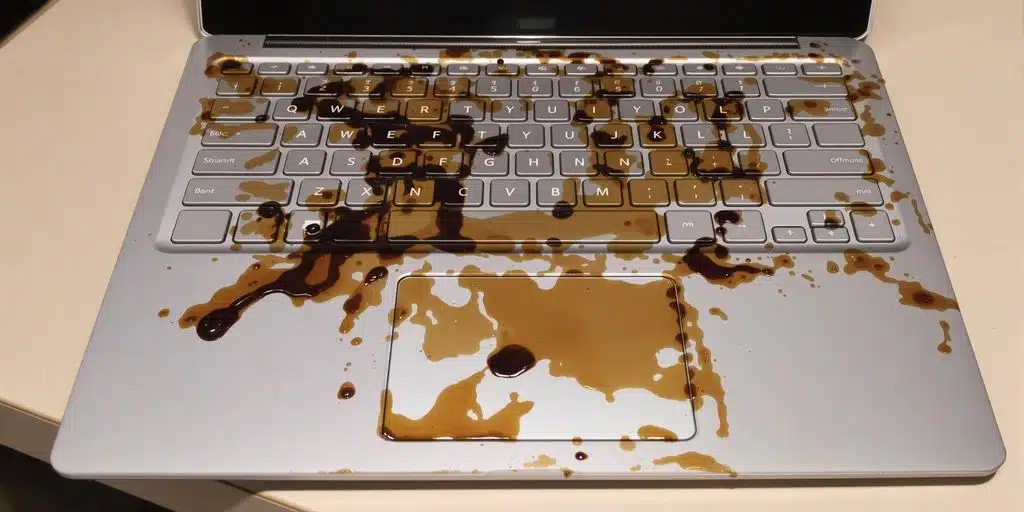
Surface Laptop coffee spill case study documents a Microsoft Surface Laptop that stopped working after coffee exposure. The laptop had no power and no signs of life, and the goal was to restore access to the internal storage so the client’s files could be recovered.
Case Study Summary
- Device: Microsoft Surface Laptop
- Problem: Coffee spill followed by power failure
- Findings: Logic board corrosion affecting power circuits
- Approach: Board-level cleaning and component-level repair to restore access for data extraction
- Result: Data access restored so files could be recovered
Surface Laptop coffee spill case study symptoms
- No power response when pressing the power button
- No charging or status indicators
- No signs of startup
These symptoms are common after liquid exposure, where corrosion can create shorts or open circuits in power delivery pathways.
Logic board corrosion and power failure
During inspection, coffee residue and corrosion were found on the logic board. Liquid exposure can trigger multiple faults at once, so a structured repair process is required to identify which circuits are preventing the device from powering on.
What makes this type of failure difficult
- Corrosion can continue to spread if moisture remains inside the device
- Power circuit faults can block access to the internal storage
- Security features such as BitLocker can add extra steps during data access
Microsoft’s Surface support guidance notes that devices that will not turn on may require additional troubleshooting beyond basic user steps: Surface won’t turn on or start.
Surface Laptop coffee spill case study repair approach
To recover data from a device that will not power on, the priority is restoring stable operation long enough to access the storage safely. In this Surface Laptop coffee spill case study, the process focused on cleaning affected areas, addressing corrosion-related faults, and restoring the power circuits needed for controlled data access.
How data is extracted after power is restored
Once the device can operate reliably, the next step is accessing the internal drive and extracting data to a safe destination. If BitLocker is enabled, recovery may require the correct credentials or recovery key to complete file access.
Service process for Surface laptops and other computers
For computers and laptops (including Microsoft Surface devices), we provide a free assessment and quote. Quotes are typically provided within 1 to 2 business days. Work starts only after approval.
Payam Data Recovery has laboratories in Sydney CBD, Rhodes NSW, Melbourne CBD, and Brisbane CBD. Secure drop-off points are available in Adelaide CBD and Perth CBD. International customers are welcome and we have regular clients in the USA, Europe, the Middle East, and Asia.
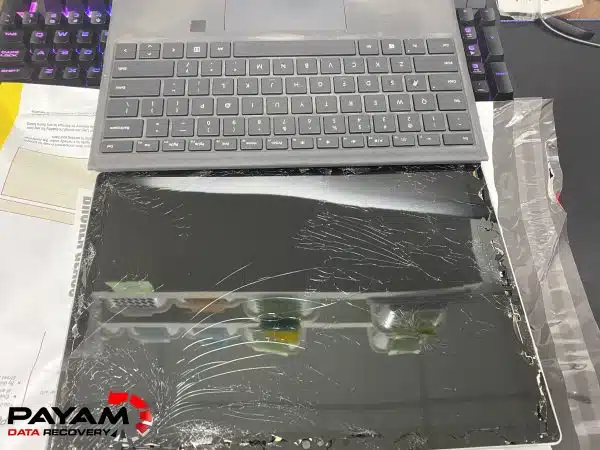
Related case studies
- Dead MacBook Pro data recovery case study
- MacBook Air M2 data recovery case study
- iPhone 11 logic board repair data recovery case study
Payam Data Recovery works with individuals, students, families, small and medium businesses, IT companies, and organisations that need their data recovered safely and professionally. Some customers come to us with a single damaged device containing personal memories, while others rely on us for complex technical recoveries that require specialist tools and experience.
We are based in Australia and have been recovering data since 1998. Our clients also include governments, law enforcement agencies, corporations, and public figures. Every job is handled with 100 percent confidentiality and privacy.
Read more about our Surface Data Recovery Service
Email: help@payam.com.au
Phone: 1300 444 800