

Case Study Summary
- Client: Jennifer (Perth, Western Australia)
- Device: USB flash drive
- Problem: Physically damaged USB connector, no response when plugged in
- Recovery method: Connector replacement using precision soldering, then controlled data access
- Outcome: 1,500+ photos and 250 work documents recovered
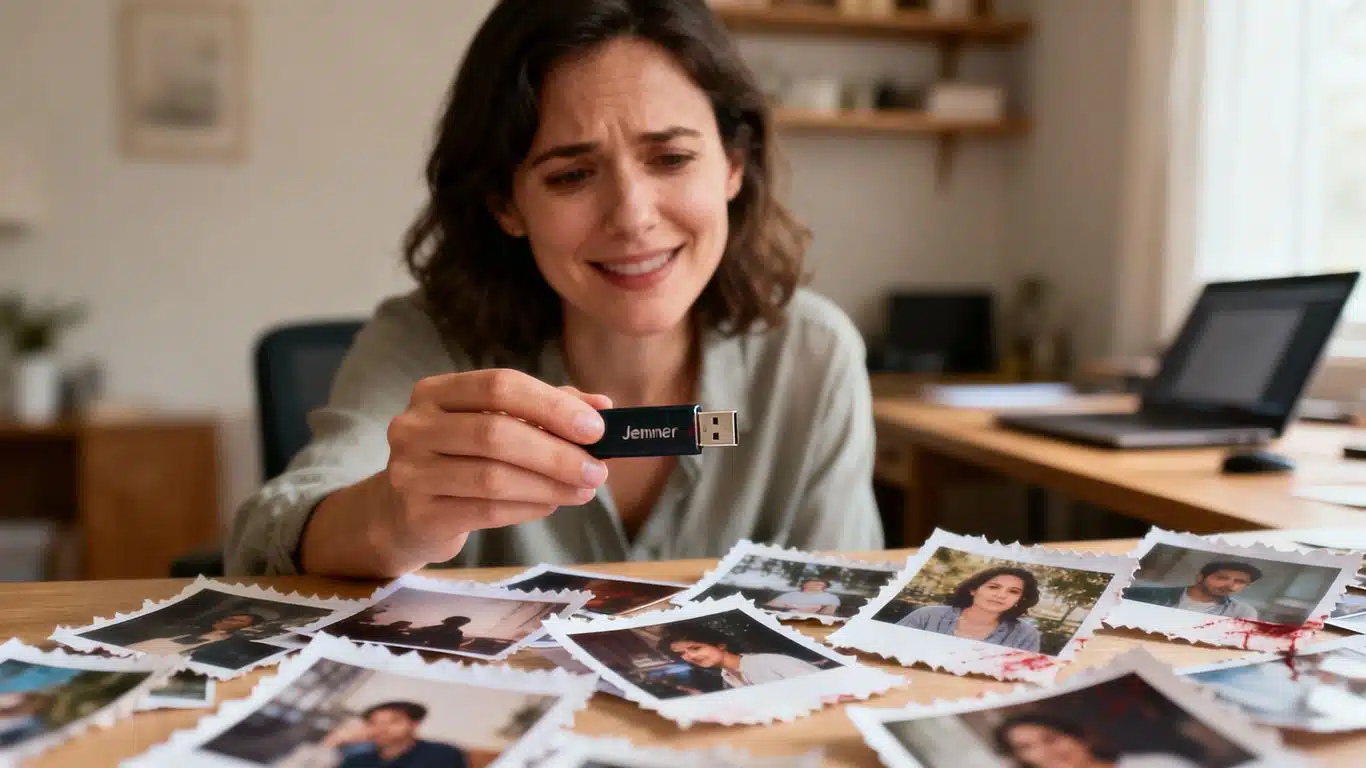
When Jennifer from Perth tried to plug in her USB flash drive, nothing happened. The drive contained more than 1,500 family photos and 250 work documents. This USB flash drive connector case study shows how a physically damaged connector can stop access to data, even when the storage inside the device is still intact.
For background on USB flash drives, see
this reference.
USB flash drive connector case study diagnosis
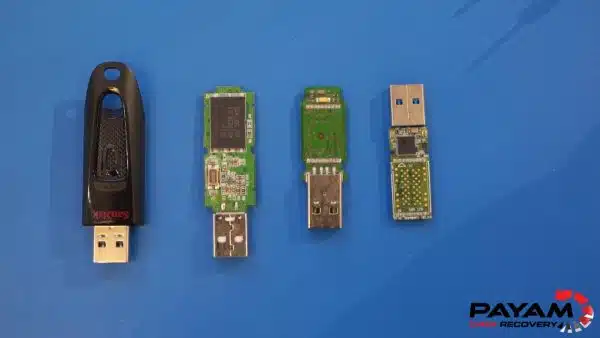
Inspection showed the USB connector had been physically damaged, likely from being dropped or bent. The metal connector had separated from the circuit board, so the drive could not make a proper connection to any computer.
In many connector-damage cases, the storage on the device remains recoverable. The issue is the broken physical connection, not missing files.

Connector replacement process
The solution required careful soldering work to reconnect a replacement USB connector to the correct points on the circuit board. Each pin needed accurate alignment to avoid damaging the board traces.
USB flash drive connector case study results
After the connector was replaced, the device was connected to a PC-3000 system to confirm stable access. Within seconds, folders and files appeared and data could be copied.
This USB flash drive connector case study concluded with recovery of Jennifer’s photos and work documents. The video transcript notes the connector repair took about one hour from start to finish.

USB flash drive data recovery workflow
USB flash drives follow our standard assessment and approval process:
- Free assessment and quote
- Quote provided within 1 to 2 business days
- Work starts only after approval
Read more about our USB flash drive data recovery service.
Related case studies
- External USB hard drive not detected
- USB hard drive not detected file retrieval
- WD Elements USB hard drive data recovery Australia
About Payam Data Recovery
Payam Data Recovery works with individuals, students, families, small and medium businesses, IT companies, and organisations that need their data recovered safely and professionally. Some customers come to us with a single damaged device containing personal memories, while others rely on us for complex technical recoveries that require specialist tools and experience.
We are based in Australia and have been recovering data since 1998. Our clients also include governments, law enforcement agencies, corporations, and public figures. Every job is handled with 100 percent confidentiality and privacy.
Request a free quote
Read more about our USB Flash Drive Data Recovery Service
Email: help@payam.com.au
Phone: 1300 444 800
Video transcript
Click to expand full transcript
Hi, it’s Mike visiting Payam Data Recovery to give you a behind-the-scenes look at this real life case study of a broken USB drive. After inspecting the device closely, our data recovery specialist saw that the USB connector had been physically damaged, likely from being dropped or bent. The metal connector was completely separated from the circuit board, making connection impossible.
He explained that while the connector was broken, the actual memory chip remained intact. The data was still there, it just could not be accessed.
The solution required a soldering iron and the skills to do this in a safe way. I watched him select a replacement USB connector and carefully solder it to the exact same connection points using specialised tools. Each tiny pin had to be aligned without damaging the delicate circuit traces.
After connecting the repaired drive to their PC-3000 data recovery system, within seconds, the screen lit up with folders and files. The entire process took about one hour from start to finish. Jennifer received a detailed file listing and video preview of all recovered files via email. Once she accepted the results and made payment, her data was shipped back to her home by overnight courier.