

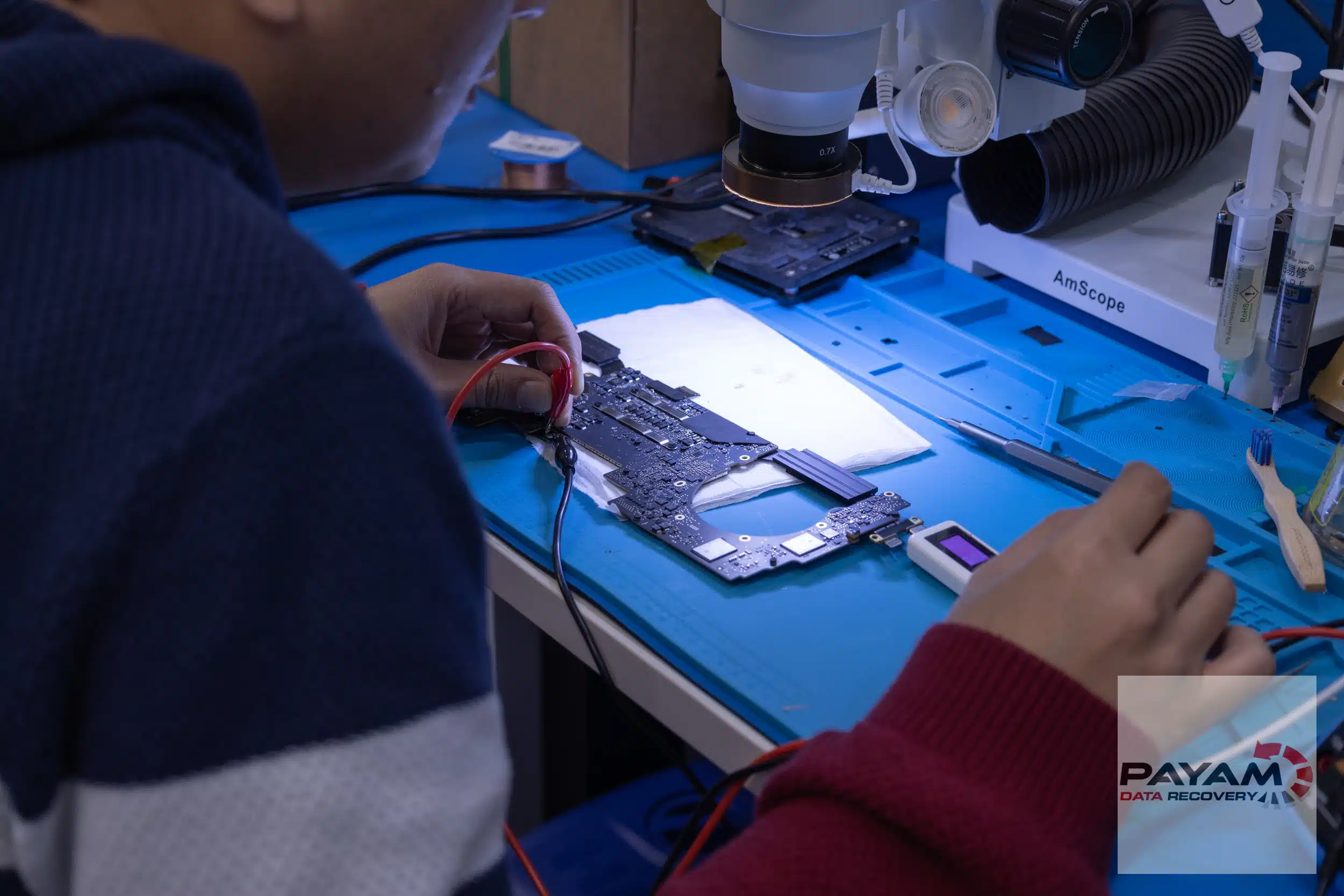
2023 MacBook Pro no power case study showing how a MacBook that suddenly went to a black screen and would not turn back on was diagnosed at component level, repaired, and then the data was cloned to an external USB drive.
2023 MacBook Pro no power case study: the black screen problem
The client was working normally when the MacBook Pro abruptly powered off. There was no response to power, and the files on the internal storage could not be accessed. In this 2023 MacBook Pro no power case study, the next step was a logic board inspection to find the fault safely and avoid causing further damage.
Diagnosing the short circuit on the main power rail
In the workshop, the logic board was removed and connected to a DC power supply. The senior engineer identified a short circuit on the main power rail. Locating a short circuit on a motherboard can be difficult because the failed component may be small and surrounded by many similar parts.
- Initial diagnosis: dead MacBooks often point to a logic board issue
- Common cause: short circuits on the main power rail
- Risk: repeated power attempts can worsen faults on a damaged board
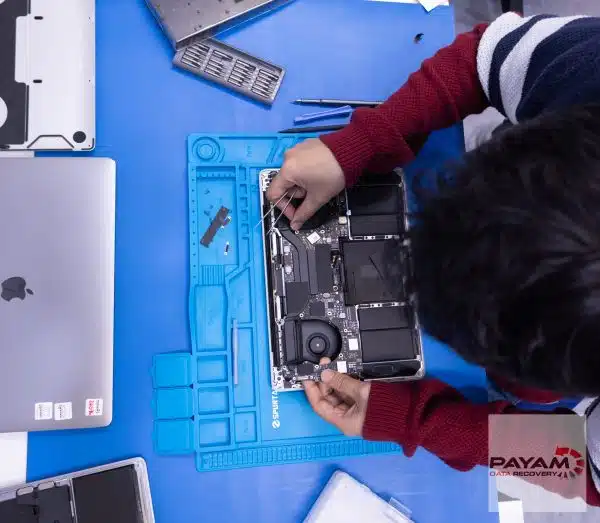
Using voltage injection and a thermal camera
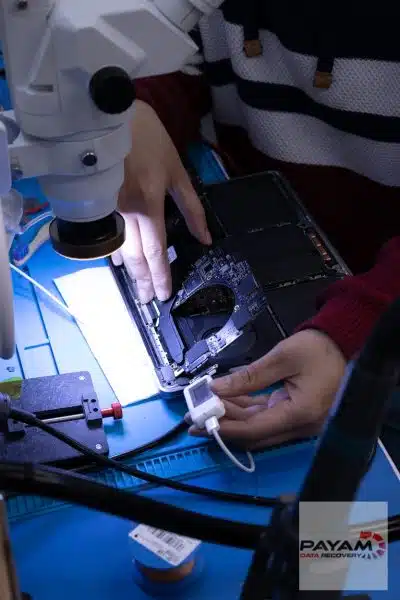
To pinpoint the short, the engineer used an infrared thermal camera. Instead of applying normal operating voltage, he carefully injected one volt into the main power rail (voltage injection). The thermal camera then revealed a single component heating up more than the others.
The failed part was identified as the speaker amplifier IC. Although small, a fault in this component was enough to pull down the power rail and stop the MacBook from powering on.
Repair outcome and data cloning
After the faulty IC was removed and replaced, the MacBook powered on again. Once it was stable, the device was handed to the team to clone and back up the client’s files to an external USB drive.
Apple data recovery and warranty implications
If you are considering data recovery before manufacturer service, it is worth reading Apple’s guidance on warranty and third-party service. See Apple’s support page here: Apple support guidance.
Service workflow for MacBook and other computers
- Free assessment and quote: provided within 1 to 2 business days
- Work starts only after approval
Payam Data Recovery works with individuals, students, families, small and medium businesses, IT companies, and organisations that need their data recovered safely and professionally. Some customers come to us with a single damaged device containing personal memories, while others rely on us for complex technical recoveries that require specialist tools and experience.
We are based in Australia and have been recovering data since 1998. Our clients also include governments, law enforcement agencies, corporations, and public figures. Every job is handled with 100 percent confidentiality and privacy.
Locations and delivery options
- Labs in Sydney CBD, Rhodes NSW, Melbourne CBD, and Brisbane CBD
- Secure drop-off points in Adelaide CBD and Perth CBD
- International customers welcome, including regular clients in the USA, Europe, the Middle East, and Asia
Related case studies
- MacBook Air M2 short circuit data recovery case study
- Liquid damaged MacBook data recovery case study
- Dead MacBook Pro data recovery case study
Get a free assessment
Read more about our MacBook Data Recovery Service
Email: help@payam.com.au
Phone: 1300 444 800
Video transcript
Picture this. You’re working on your MacBook when suddenly the screen goes black and it won’t turn back on. That heart sinking feeling hits you as you realise you should have made a backup and now you think you’ve lost all your work files and photos. Hey, it’s Mike and I’m here at Payam Data Recovery getting a behind-the-scenes look at how these experts do their work. Today I’m watching a senior data recovery engineer work on a 2023 MacBook Pro that had completely died. No power, no response. I watched as he removed the motherboard and connected it to a DC power supply. Within moments, he discovered a short circuit on the main power rail. But as he explained, finding a short on a motherboard is like finding a needle in a haystack. This is where you could really see his expertise. He brought out what he called his secret weapon, an infrared thermal camera. He carefully injected one volt into the main power rail instead of the normal voltage. This technique is called voltage injection and only experienced technicians know how to use it safely. As he monitored through the thermal camera, I watched the screen light up with heat signatures. One component was glowing brighter than the rest. The speaker amplifier IC had failed, creating the short circuit that had killed the laptop. Within minutes, he removed the faulty chip and replaced it. The MacBook worked again. The MacBook was then passed to the team to clone and back up all the files to an external USB drive for the owner. Thanks for watching.