

Case Study Summary
- Client: Samuel (business owner, Australia)
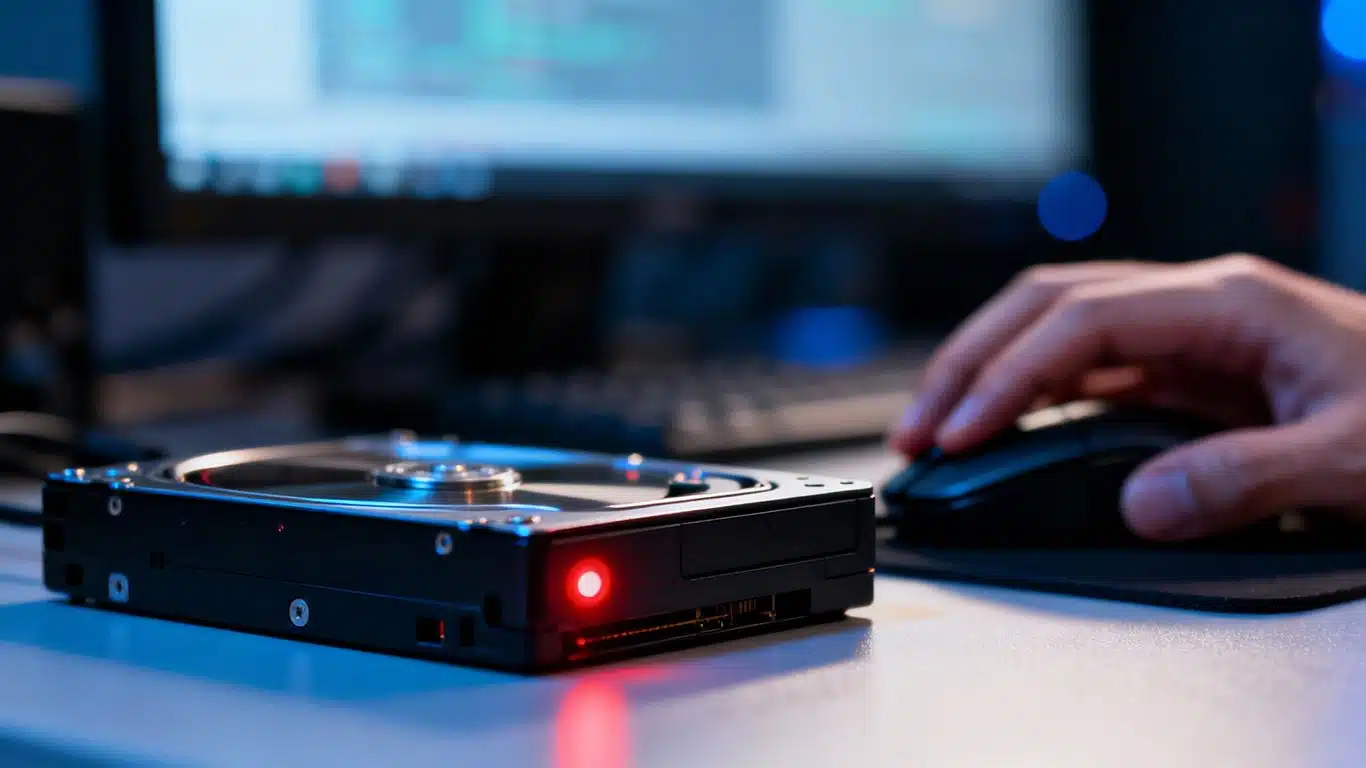
- Device: DVR internal hard drive
- Problem: Clicking drive with motor stalling caused by failed read and write heads
- Solution: head replacement in the laminar flow cabinet and controlled imaging
- Outcome: Full recovery of critical surveillance footage
This DVR internal hard drive head failure case study documents how Payam Data Recovery recovered critical surveillance footage from a DVR that stopped functioning after a break-in at a business premises. The DVR contained the only copy of the footage required for insurance and investigation purposes.
The problem: mechanical failure in a DVR hard drive
When the DVR arrived at the lab, the internal hard drive was clicking repeatedly and shutting down. These symptoms are consistent with a failed read and write head assembly.
Hard drive heads operate extremely close to the platter surface. Once they fail, continued power-on attempts can cause permanent platter damage. This type of fault requires physical intervention in a controlled environment.
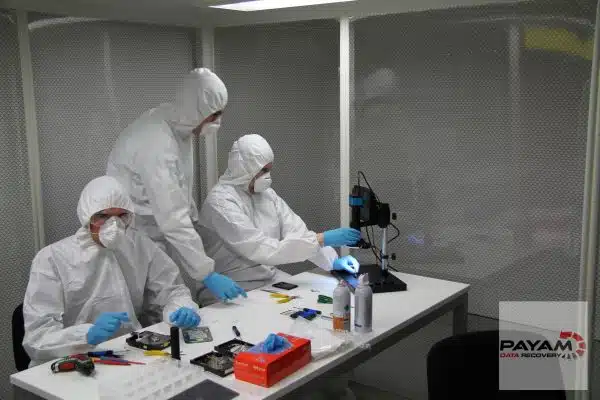
This DVR internal hard drive head failure case study involved opening the drive inside a laminar flow cabinet to prevent contamination during inspection and repair.
DVR internal hard drive head failure case study process
Step by step recovery
- Drive opened in the laminar flow cabinet and head failure confirmed
- Initial head replacement using compatible donor parts
- Controlled imaging of accessible data areas
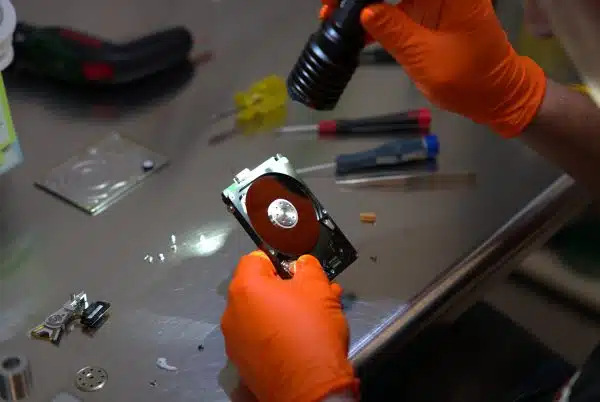
- Second head replacement to stabilise weaker regions
- Verification of required surveillance footage
Multiple head replacements were required to safely image all usable sectors. This approach is common in mechanical failures where head damage progresses during operation.
Recovery results
The recovery was successful. All required surveillance footage was copied and verified.
This DVR internal hard drive head failure case study allowed the client to proceed with insurance and investigation processes without further delay.
Why People Choose Payam Data Recovery
A failed hard drive needs an experienced data recovery engineer, and often a matching donor part. We work on 10 to 15 drives with failed heads every day.
- We are a specialist data recovery lab, not a computer repair shop. We have been recovering data since 1998, from over 300,000 devices.
- The best equipped data recovery lab in Australia: an ISO 5 certified laminar flow cabinet for head replacements, an anti-static lab, microscopes and microsoldering stations for circuit board work, the Ace Lab PC-3000, Atola Insight Forensic and DeepSpar Disk Imager, and over 30,000 donor parts, including around 20,000 donor hard drives. When your drive needs a matching part, it is usually already on our shelf.
- Over 2,000 IT companies and computer shops across Australia send us their customers’ complex cases, and data recovery labs and IT companies in more than 50 countries have sent us their difficult cases over the past ten years.
- Rated 4.9 from more than 2,300 Google reviews.
- About 90% of our jobs are no fix, no fee. The hardest 10% carry an attempt fee.
- See your files before you pay. You tell us which files matter most. Before you pay for the recovery, we’ll send you a list of your recovered files so you can check them. If any of the files you listed are missing, tell us and we’ll search again.
- There is no card surcharge. Pay by Visa, Mastercard, American Express, Afterpay, Zip or bank deposit (EFT).
- Everything is done in our own labs in Australia and never outsourced overseas. Call or visit us, and you can speak with the data recovery engineers who do the work.
We are not the cheapest. We are the best in Australia at this work. We know what to do, how to do it, and we will do our very best for you. Your best chance of getting your data back is with us.
Hard drive data recovery workflow
For DVRs and other devices that use traditional hard disk drives, the recovery process includes:
- Free assessment and quote
- Quote provided within 1 to 2 business days
- Work starts only after approval
- Economy, Priority, and Emergency service options
Pricing depends on the fault type and the complexity of mechanical work required.
Frequently asked questions
Can data be recovered from a clicking DVR hard drive?
In many cases, yes. Clicking usually indicates head failure. Recovery depends on platter condition and must be performed in filtered air.
Why must DVR hard drives be opened in filtered air?
Dust contamination can permanently damage platters. A laminar flow cabinet reduces the risk during mechanical repairs.
Is DIY recovery possible for DVR hard drives?
No. Powering on a clicking drive can cause additional platter damage and significantly reduce recovery chances.
How long does DVR hard drive data recovery take?
Turnaround time depends on the service level selected and the severity of mechanical damage.
About Payam Data Recovery
Payam Data Recovery works with individuals, students, families, small and medium businesses, IT companies, and organisations that need their data recovered safely and professionally. Some customers come to us with a single damaged device containing personal memories, while others rely on us for complex technical recoveries that require specialist tools and experience.
We are based in Australia and have been recovering data since 1998. Our clients also include governments, law enforcement agencies, corporations, and public figures. Every job is handled with 100 percent confidentiality and privacy.
Request a free DVR data recovery assessment
Read more about our Hard Drive Data Recovery Service
Email: help@payam.com.au
Phone: 1300 444 800
International customers are always welcome. The easiest way to reach us from overseas is by email at help@payam.com.au, which works in every time zone.
Related hard drive recovery case studies
- Western Digital hard drive recovery case study
- Seagate clicking hard drive case study
- Hard drive PCB damage recovery case study
- Fire Water Damaged Hard Drive Recovery Case Study
- Dropped Seagate hard drive head replacement case study